Meet the All-in-One Image to Image AI
Upload a picture, describe the change, and AirCube's image to image generator does the rest — restyle, relight, replace backgrounds or reimagine the whole scene. Wan, Seedream, Gemini, Nano Banana and more, side by side on one screen.
 Wan
Wan Seedream
 GeminiNano Banana
 Flux
Flux SDXL
SDXL GPT Image
 AirCubeWanSeedreamGeminiNano BananaFluxSDXLGPT ImageAirCubeWanSeedreamGeminiNano BananaFluxSDXLGPT ImageAirCubeWanSeedreamGeminiNano BananaFluxSDXLGPT ImageAirCube
Image to Image Examples: Same Picture, New Possibilities
Restyles, relights and scene swaps — each result generated from an existing image plus a short instruction.
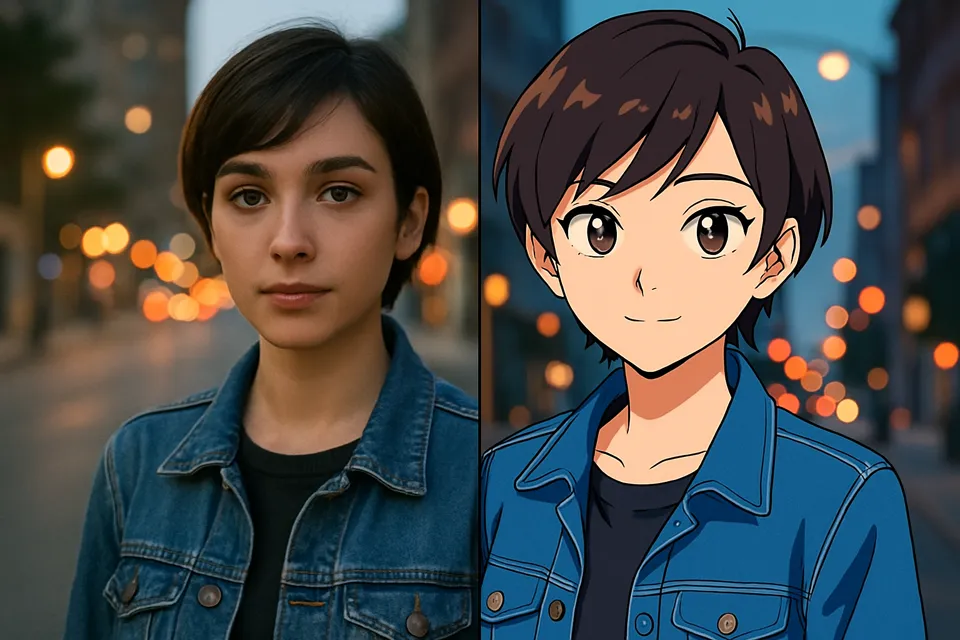
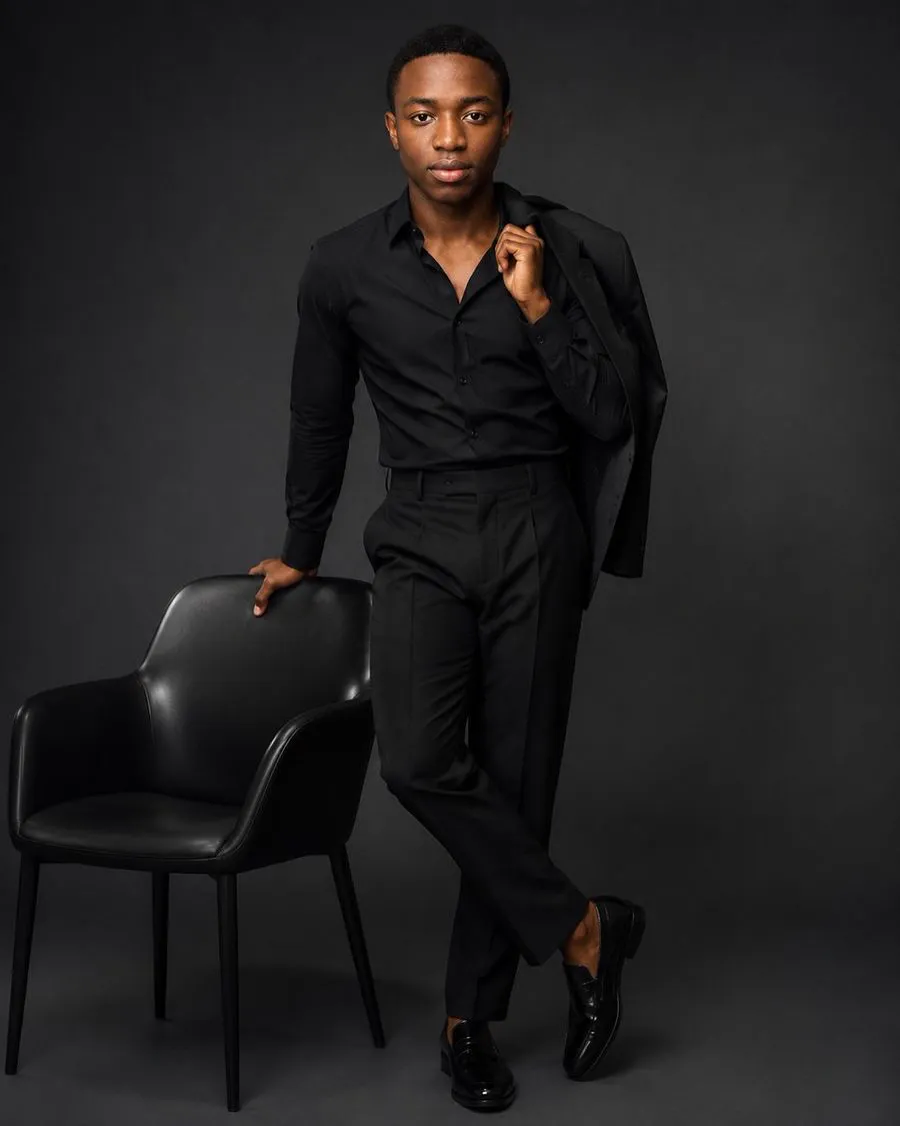
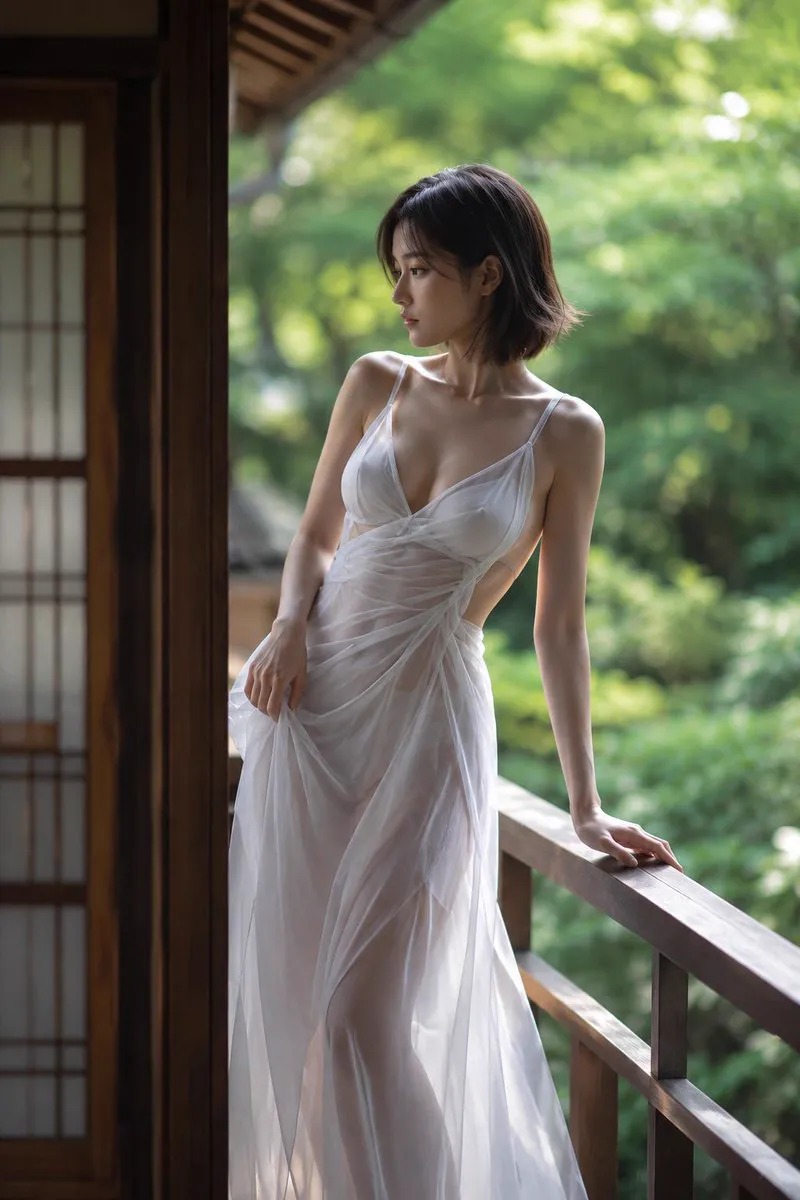
Identity stays put
Restyle Any Photo, Keep What Matters
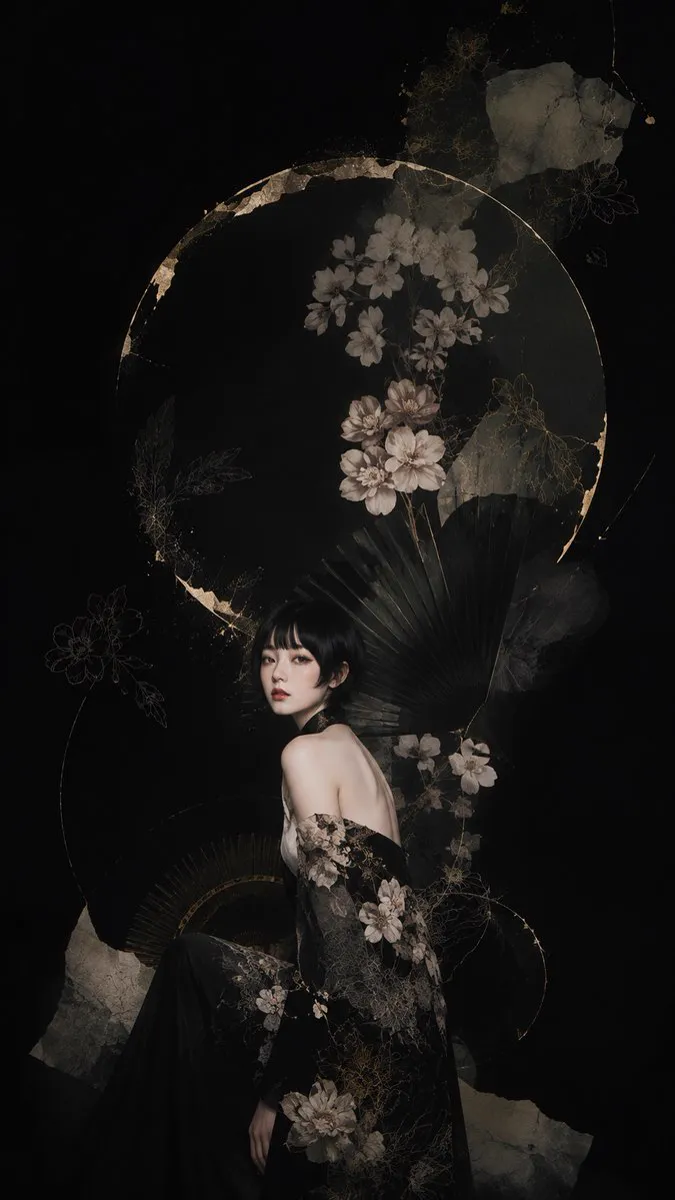
Image to image editing anchors on your original — the same face, the same product, the same composition — while transforming style, medium or mood. Turn a phone photo into an anime keyframe or an editorial portrait without losing the person in it.
- Identity-preserving restyles across art styles
- Works from a single photo, no training required
- 2K and 4K output for print-ready results
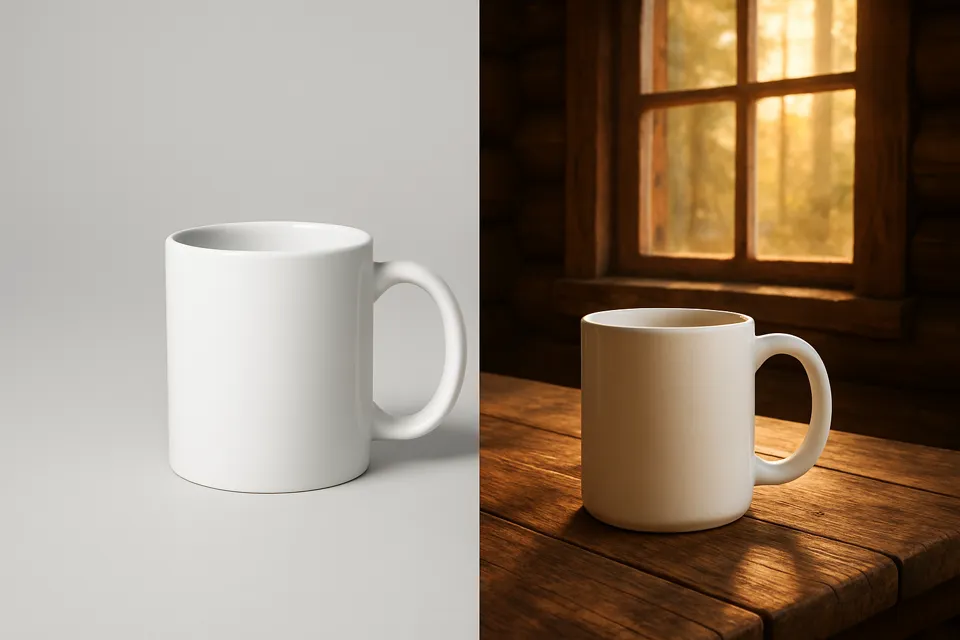
Scenes and lighting
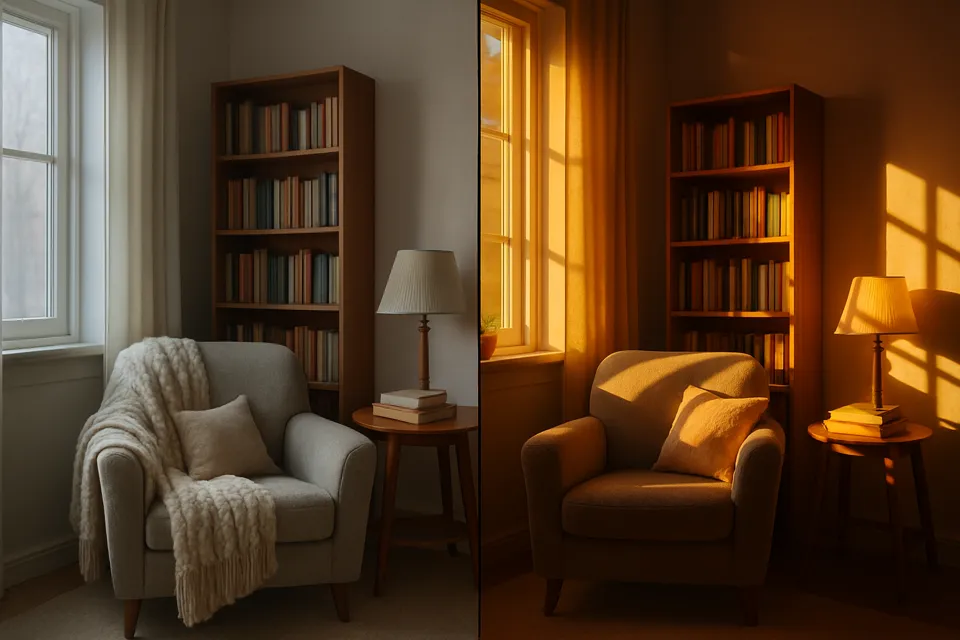
New Backgrounds, New Light, Same Subject
Move a product from a gray studio sweep into a cabin at sunrise, or relight a flat interior to golden hour — image to image handles background replacement and relighting from a one-line instruction.
- Background swaps that keep edges clean
- Relighting that respects geometry and materials
- Batch through the API for whole catalogs
A Powerful Image to Image AI for Every Creator and Business
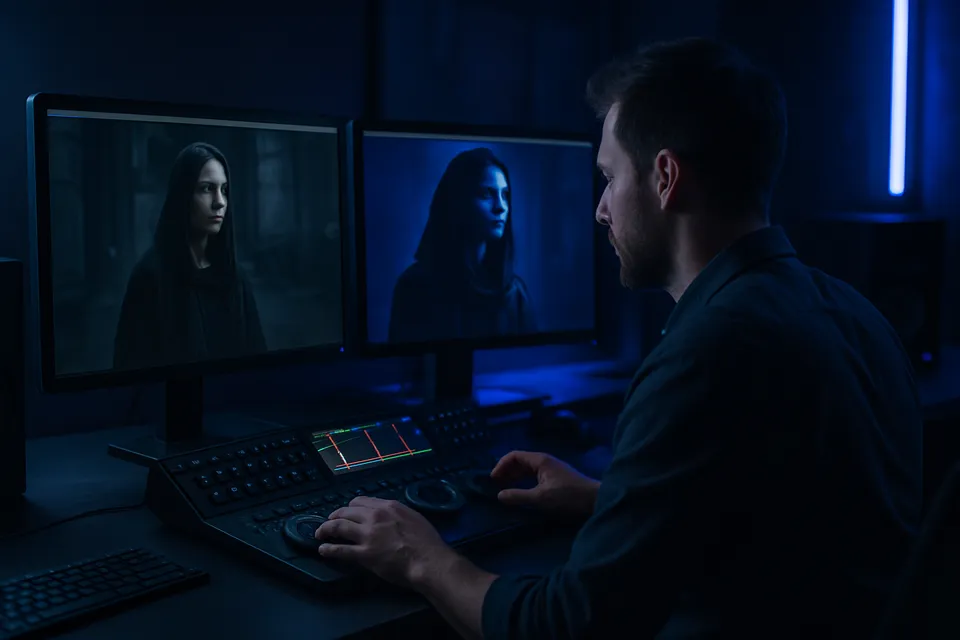
Photographers
A second creative pass on every shoot
Relight, regrade and restyle selects without hours in retouching. Image to image gives one capture a dozen editorial directions — and the client picks.
How to Edit an Image with Image to Image AI
Three steps from an existing picture to a new one.
- 01
Upload your image
A photo, render or artwork — JPG or PNG, the sharper the better.
- 02
Describe the change
'Make it an oil painting', 'move it to a beach at sunset', 'relight to golden hour'.
- 03
Generate and compare
Run up to 4 variations, try another model, export the keeper at up to 4K.


Helpful Resources About AI Image Editing
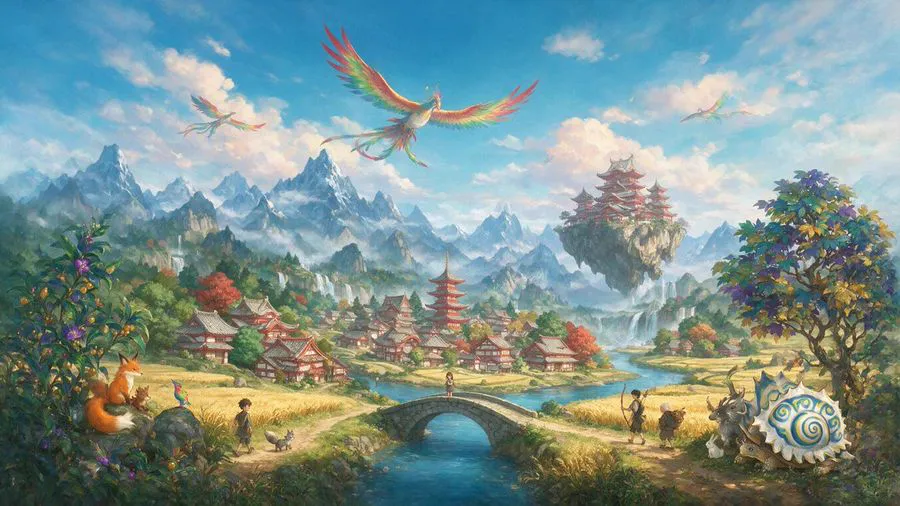
Real tests, comparisons and guides from the AirCube Hub.
Image to Image, Answered
What is image to image AI?
Image to image generation transforms an existing picture based on a text instruction. Instead of starting from a blank canvas, the model uses your upload as the foundation — keeping its structure and identity while changing style, lighting, background or details.
How is image to image different from text to image?
Text to image creates a new picture from words alone. Image to image starts from your picture: the composition, subject and identity come from the upload, and your prompt only describes what should change.
Will the person in my photo still look like them?
Yes — identity preservation is what image to image models are optimized for. The face, proportions and expression carry over while the style transforms. Sharper, well-lit source photos hold identity best.
What edits work best with image to image?
Style transfers (photo to anime, painting, film still), background replacement, relighting, outfit and scene changes all work well. The more precise the instruction — 'relight to golden hour from the left' — the closer the result.
Which model is best for image to image?
In our testing, Wan 2.7 Pro leads on instruction-following, Seedream 5.0 on output quality, and Gemini on natural-language edits. AirCube runs the same image and instruction through several image to image models so you compare and pick.
Can I use the edited images commercially?
Yes — generated results can be used in commercial projects subject to each model provider's terms. Make sure you hold the rights to the images you upload.
Is there an API for image to image?
Yes — the same image to image models are available through one API with prepaid credits and webhooks. See the API docs to batch-edit a whole catalog.
Get started
Your pictures aren't finished yet
Transform any image with 450+ models on AirCube — free credits to start.