Meet the All-in-One Text to Image AI
AirCube's text to image generator puts Seedream, Flux, Nano Banana, Wan, SDXL and more behind one prompt box. Every engine has a signature look — run the same text prompt across several models side by side and keep the picture that nails it.
 Seedream
 Flux
Flux Nano Banana
 WanGemini
 SDXL
SDXL GPT Image
 AirCubeSeedreamFluxNano BananaWanGeminiSDXLGPT ImageAirCubeSeedreamFluxNano BananaWanGeminiSDXLGPT ImageAirCubeSeedreamFluxNano BananaWanGeminiSDXLGPT ImageAirCube
Text to Image Examples: One Prompt, Any Style
Every picture below was generated from a text prompt — photography, anime, oil painting, 3D and more.
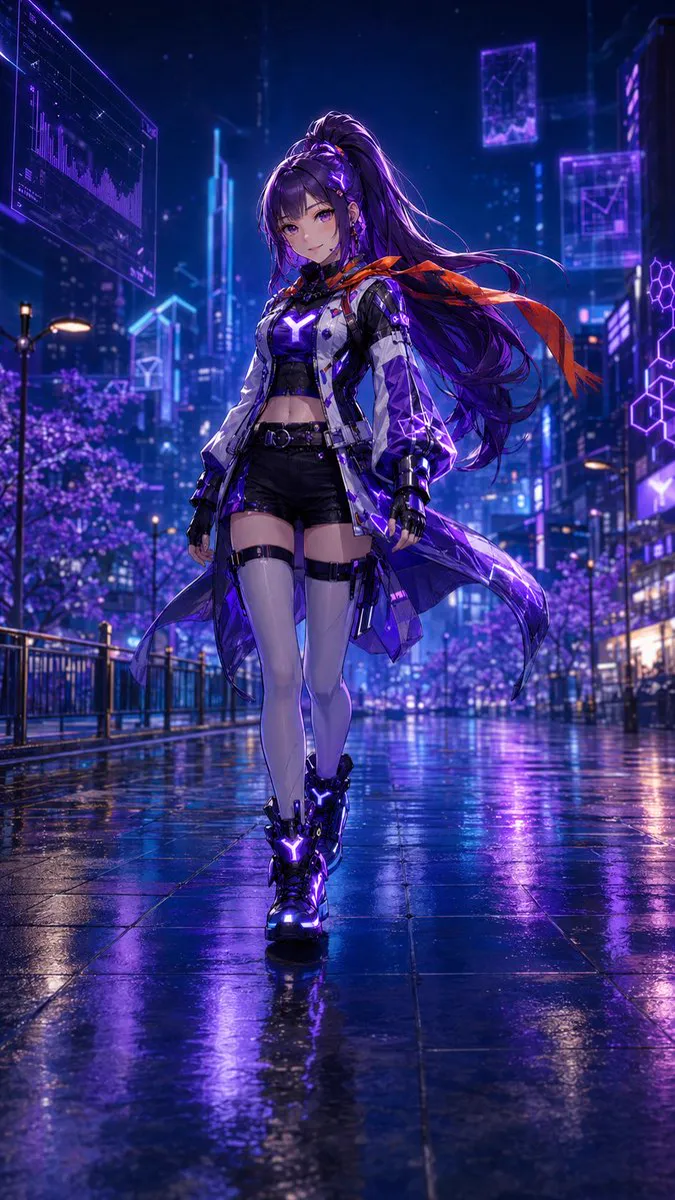
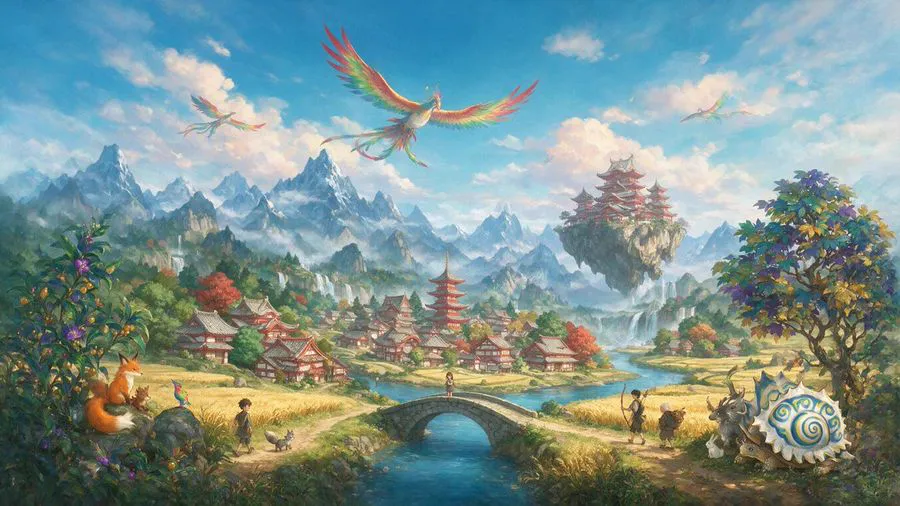
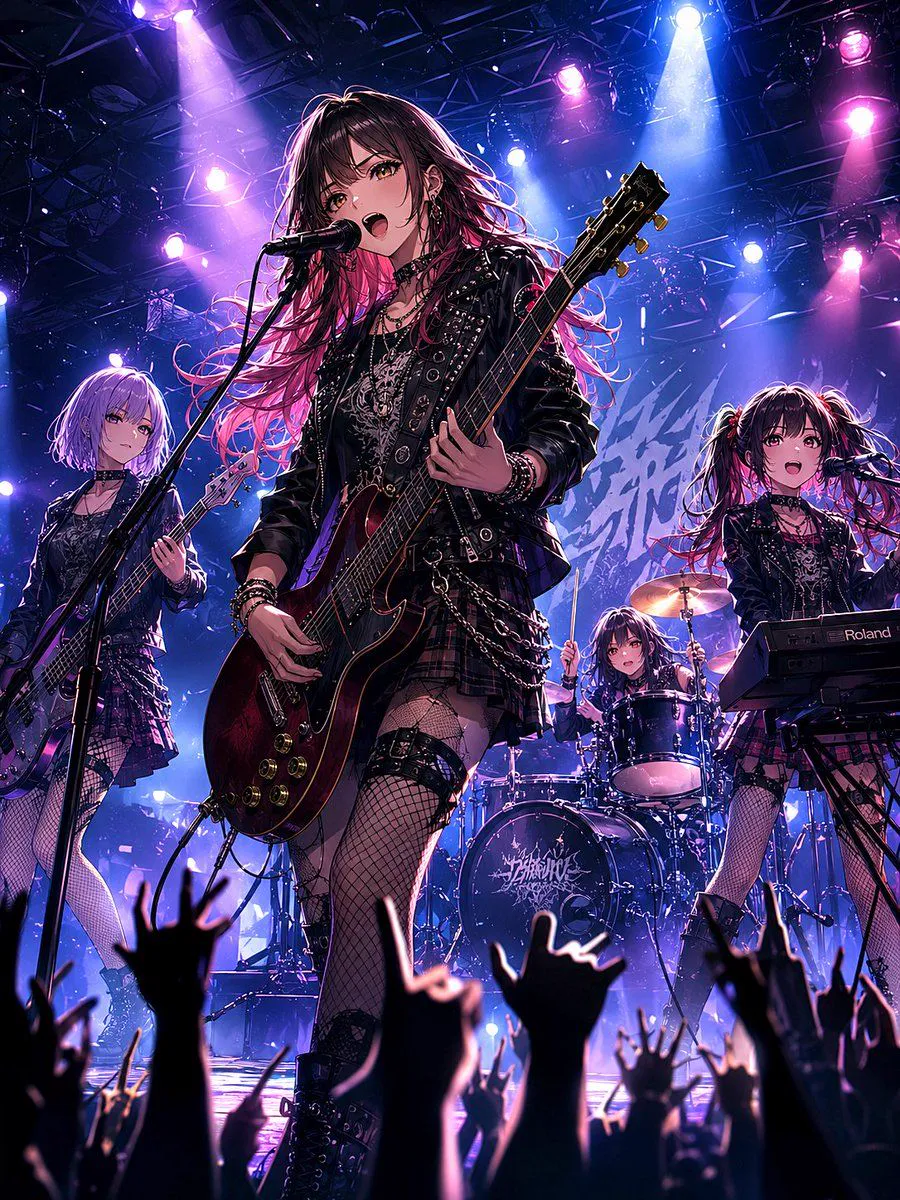
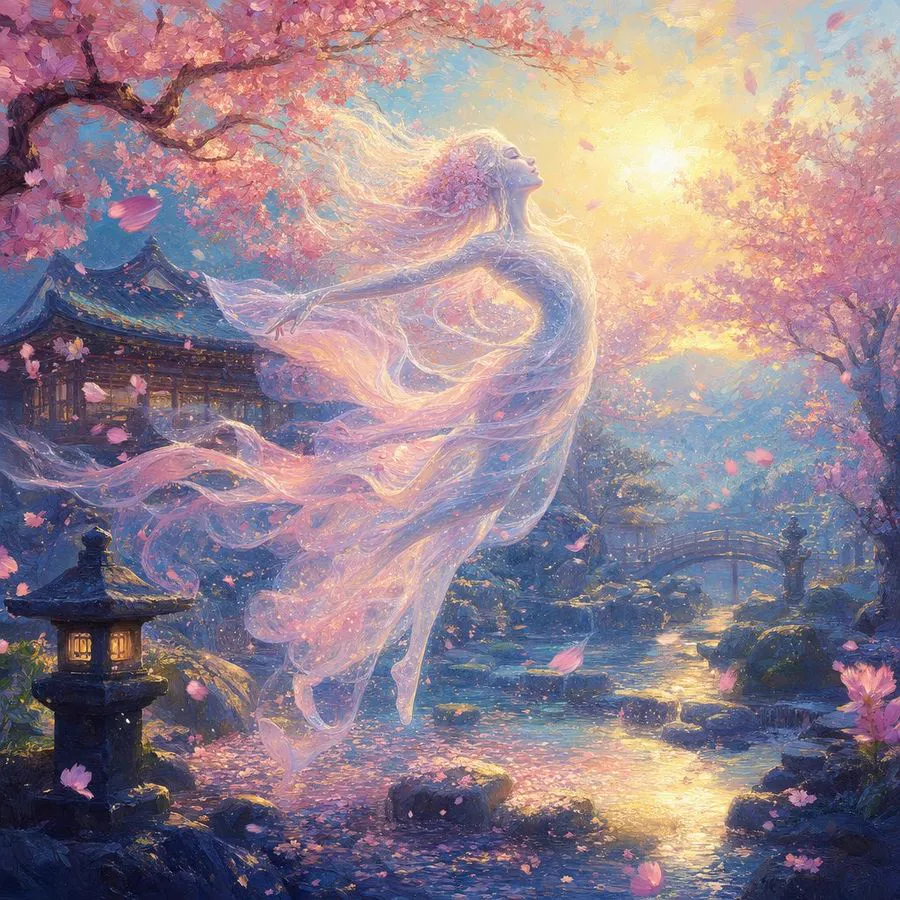
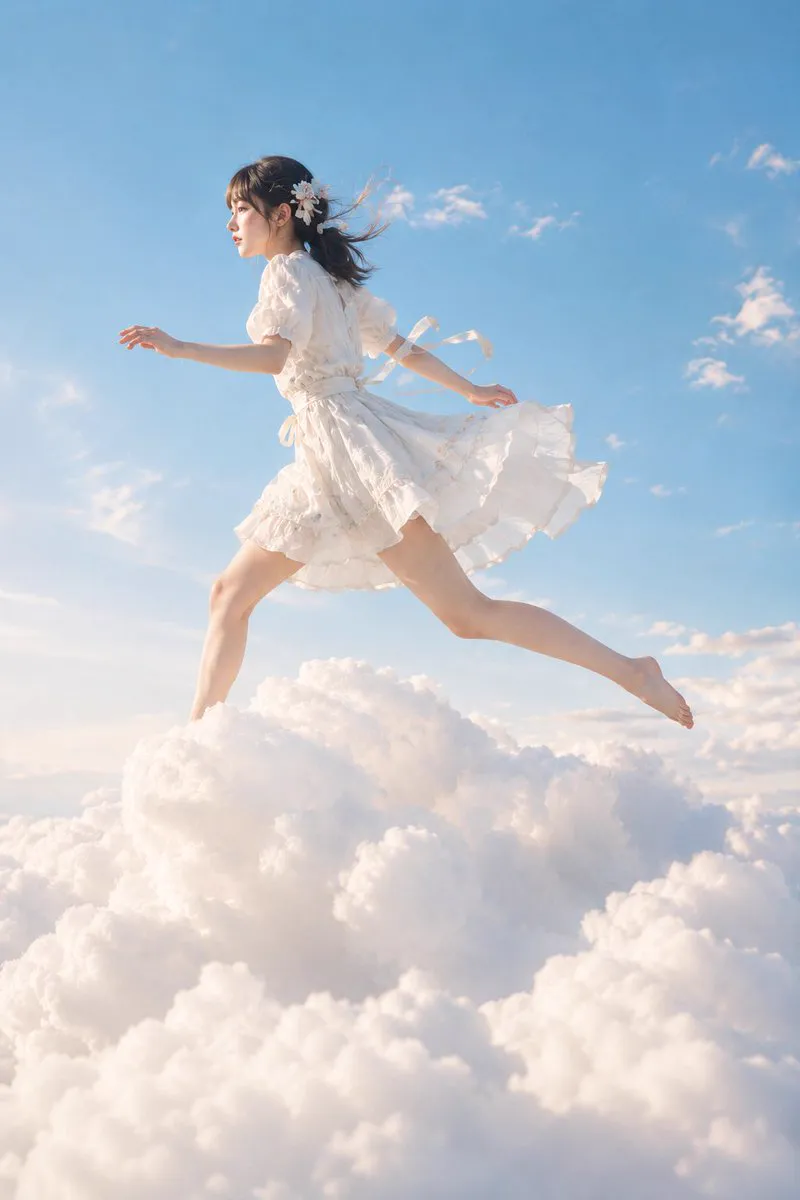
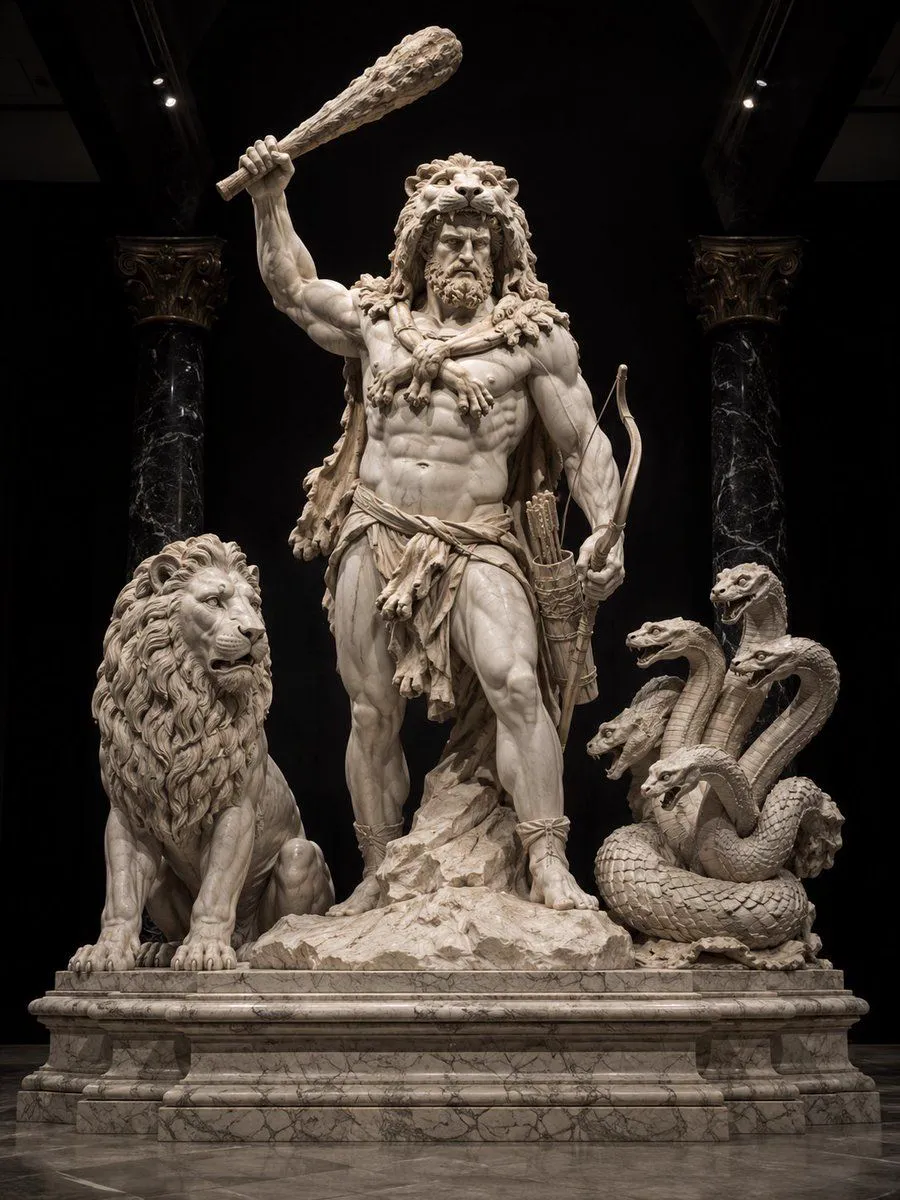
Every style, one prompt box
One Text to Image Prompt, Every Art Style
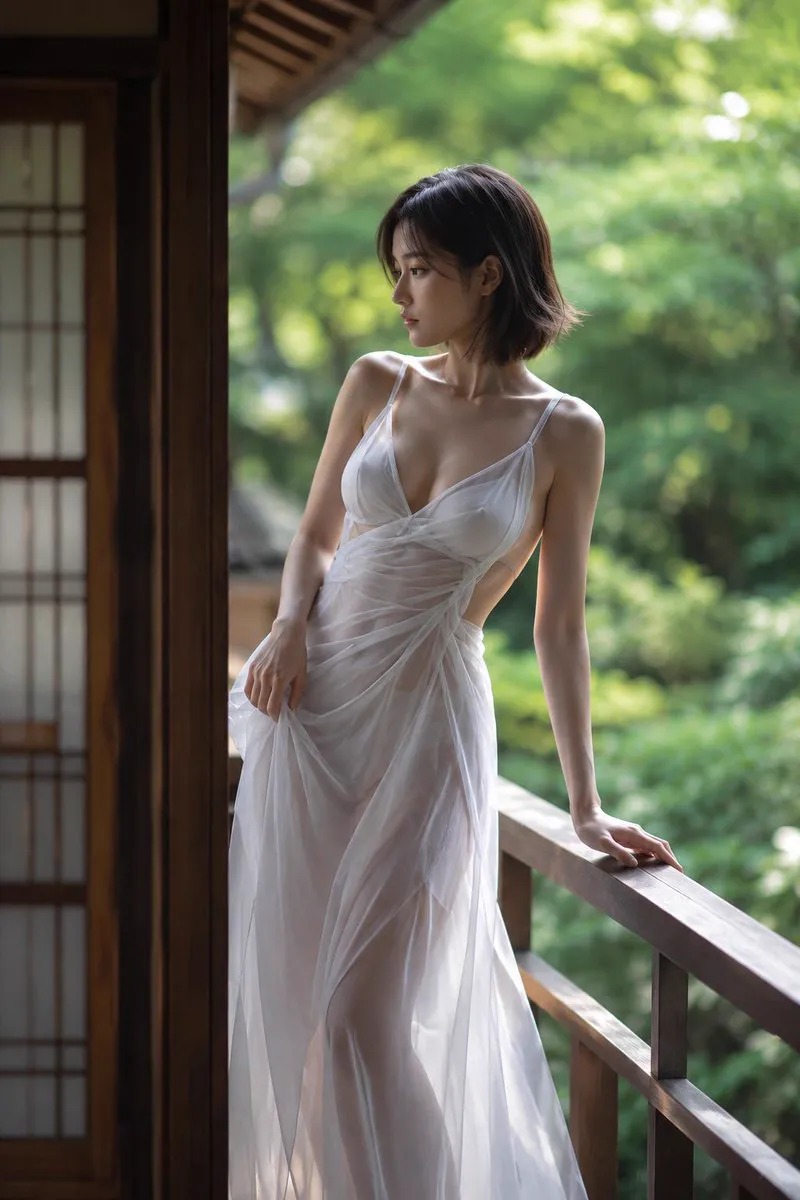
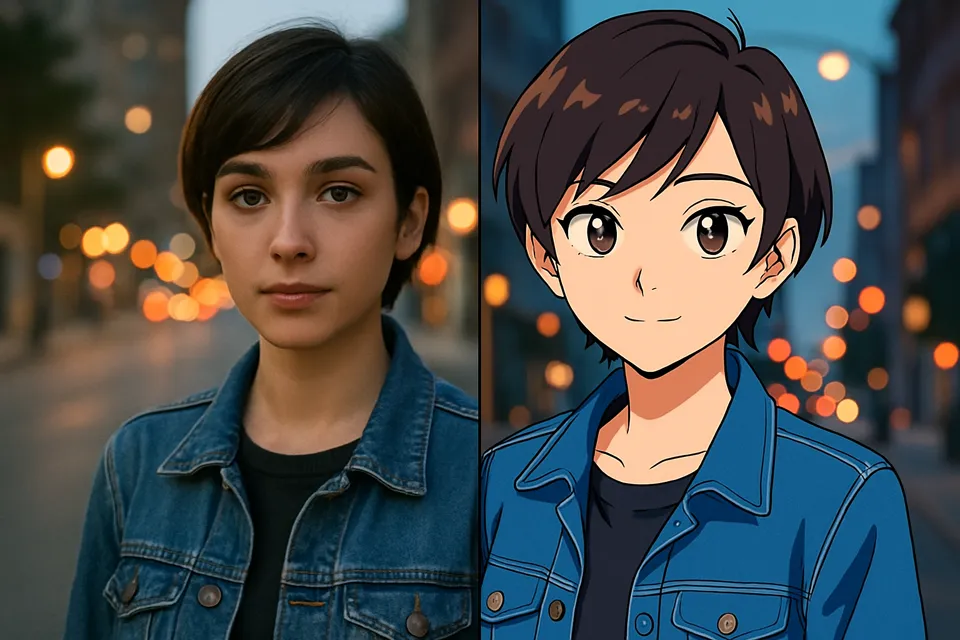
Photorealistic portraits, anime keyframes, oil paintings, watercolor, 3D renders — text to image on AirCube covers the whole spectrum. Name the style in your prompt or pick a model known for it.
- Photography, illustration, anime, painting and 3D styles
- Up to 4K output in seven aspect ratios
- Generate up to 4 variations per run
Compare, don't gamble
Compare Text to Image Models Side by Side
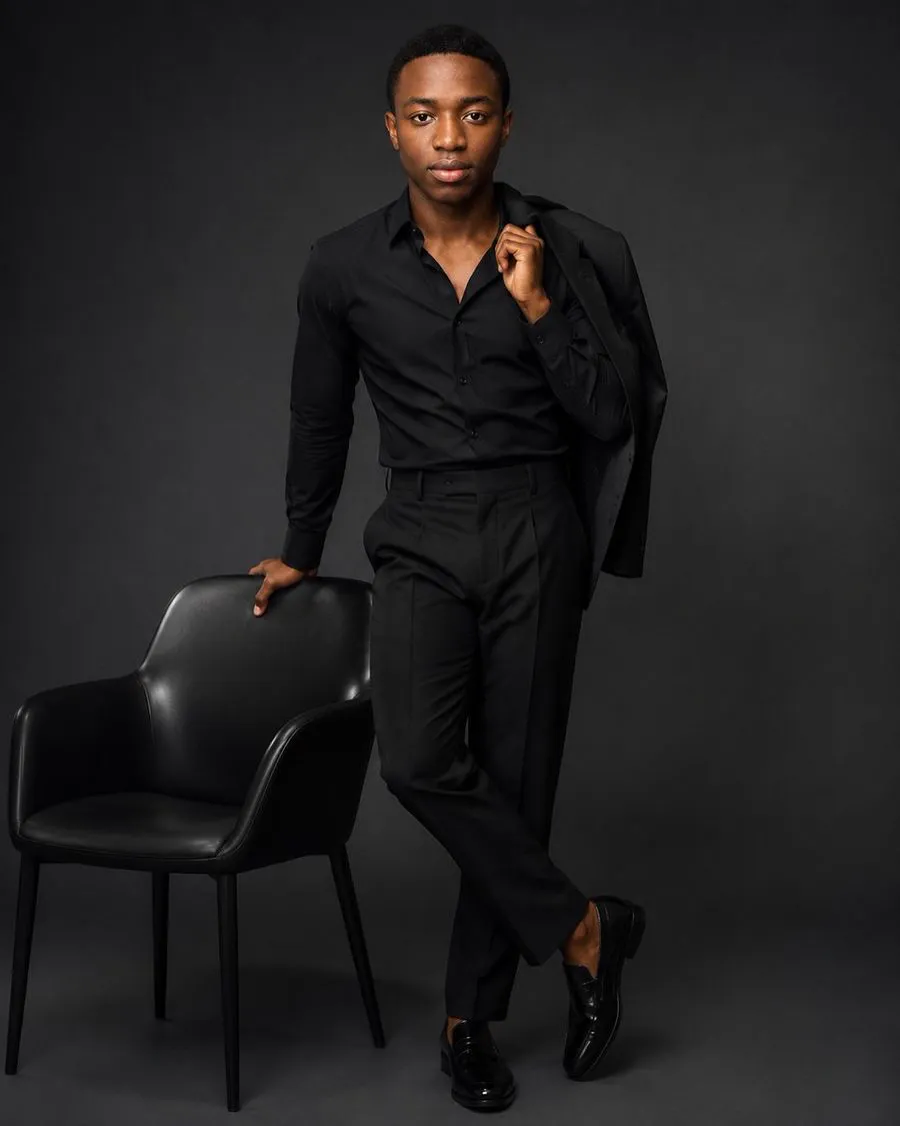
Seedream leads on detail, Flux on photorealism, Nano Banana on all-round consistency — and the only way to know what your prompt needs is to see it. AirCube runs text to image across engines in parallel so you pick per picture, not per subscription.
- Same prompt, several models, one screen
- Per-model strengths surfaced in the picker
- Shared credits — no per-model plans
For developers
A Text to Image API for Your Product
Everything on this page is one POST request away. Add text to image generation to your app, swap engines without rewriting integrations, and meter usage with prepaid credits.
- One API surface for 450+ models
- Webhooks for async generation jobs
- Usage-based pricing that scales to zero
A Powerful Text to Image AI for Every Creator and Business
Designers
Concept art at brainstorm speed
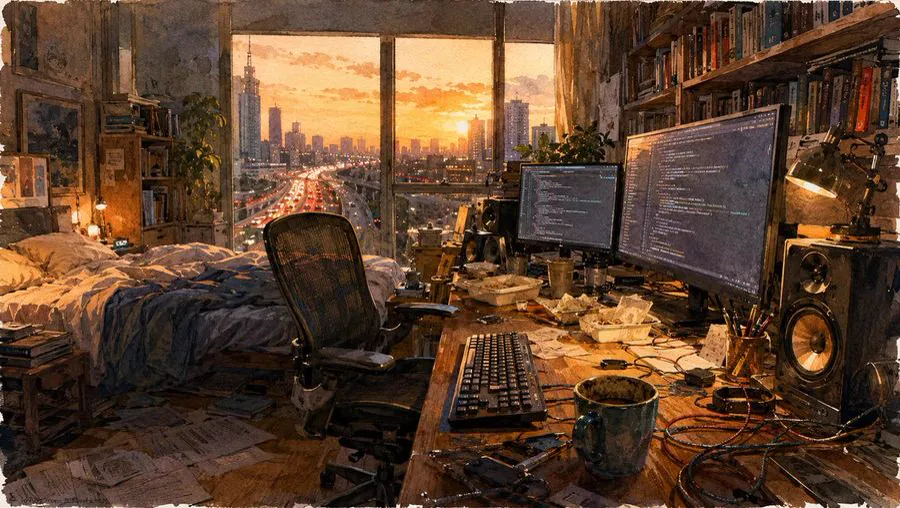
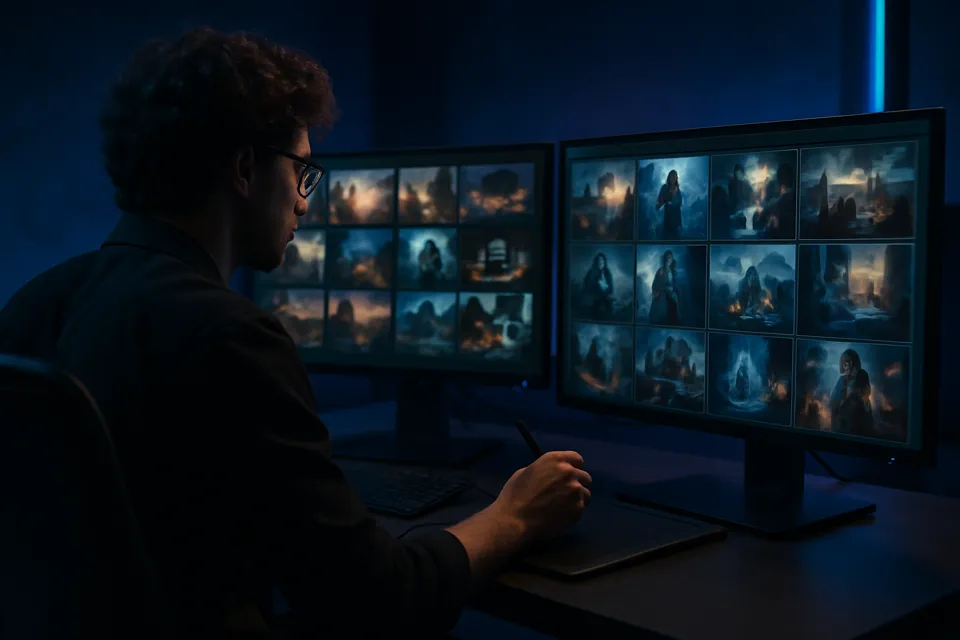
Moodboards, style frames and concept variations in minutes instead of days. Explore ten directions with text to image before committing hours to one.
How to Generate an Image from Text
Three steps from an idea to a finished picture.
- 01
Describe the picture
Subject, style, lighting, mood — a sentence works, detail helps.
- 02
Pick model and format
Choose an engine, aspect ratio and resolution up to 4K.
- 03
Generate and refine
Create up to 4 variations, re-roll the prompt and export the keeper.


Helpful Resources About AI Image Generation
Real tests, comparisons and guides from the AirCube Hub.
Text to Image, Answered
What is a text to image AI generator?
A text to image generator turns a written description into a picture. You describe the subject, style and mood; the model synthesizes an original image — no camera, stock library or design software required.
Which text to image model is the best?
It depends on the picture. In our testing, Seedream 5.0 leads on fine detail, Flux on photorealism, and Nano Banana Pro on all-round consistency. AirCube runs one text to image prompt across several models so you can pick per picture instead of per subscription.
Is AirCube's text to image AI free to try?
Yes — new accounts get free credits, and no credit card is required to start. After that you top up prepaid credits and pay per generation.
What resolutions and formats are supported?
Text to image on AirCube outputs up to 4K, in seven aspect ratios from square 1:1 to vertical 9:16 and wide 16:9 — matched to social posts, thumbnails, banners and print.
Can I use the generated images commercially?
Yes. Images you generate on AirCube can be used in commercial projects, ads and client work, subject to each model provider's usage terms.
How do I write a good text to image prompt?
Lead with the subject, then style, lighting and composition: 'portrait of an astronaut, oil painting, golden rim light, centered'. Specific beats long — and comparing the same prompt across models teaches you faster than any guide.
Is there an API for text to image?
Yes — everything in the AirCube studio is available through one API: the same models, credits and webhooks. See the API docs to make your first request in minutes.
Get started
Your next image is one sentence away
Turn text into images with 450+ models on AirCube — free credits to start.