Meet the All-in-One Image to Video AI
Upload a photo, product shot or artwork and AirCube's image to video generator animates it — camera moves, natural motion and cinematic light. Every engine animates differently: Wan excels at image-led motion, Kling adds cinematic camera work, Seedance holds long consistent takes. Compare them on one screen.
 Wan
Wan Seedance
 Kling
Kling Hailuo
 Vidu
Vidu PixVerse
 Luma
Luma VeoWanSeedanceKlingHailuoViduPixVerseLumaVeoWanSeedanceKlingHailuoViduPixVerseLumaVeoWanSeedanceKlingHailuoViduPixVerseLumaVeo
Image to Video Examples: One Frame In, a Scene Out
Clips animated from a single still image — no camera, no reshoot.
Motion that fits the picture
Natural Movement, Faithful to Your Image
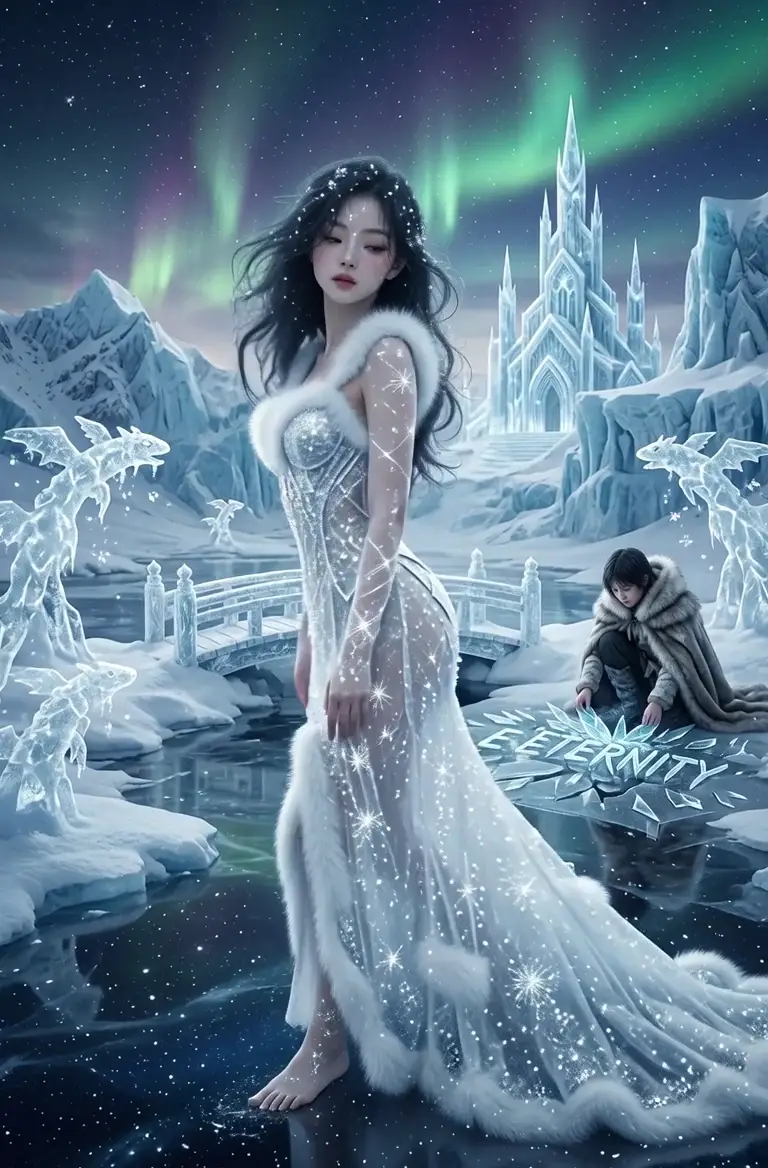
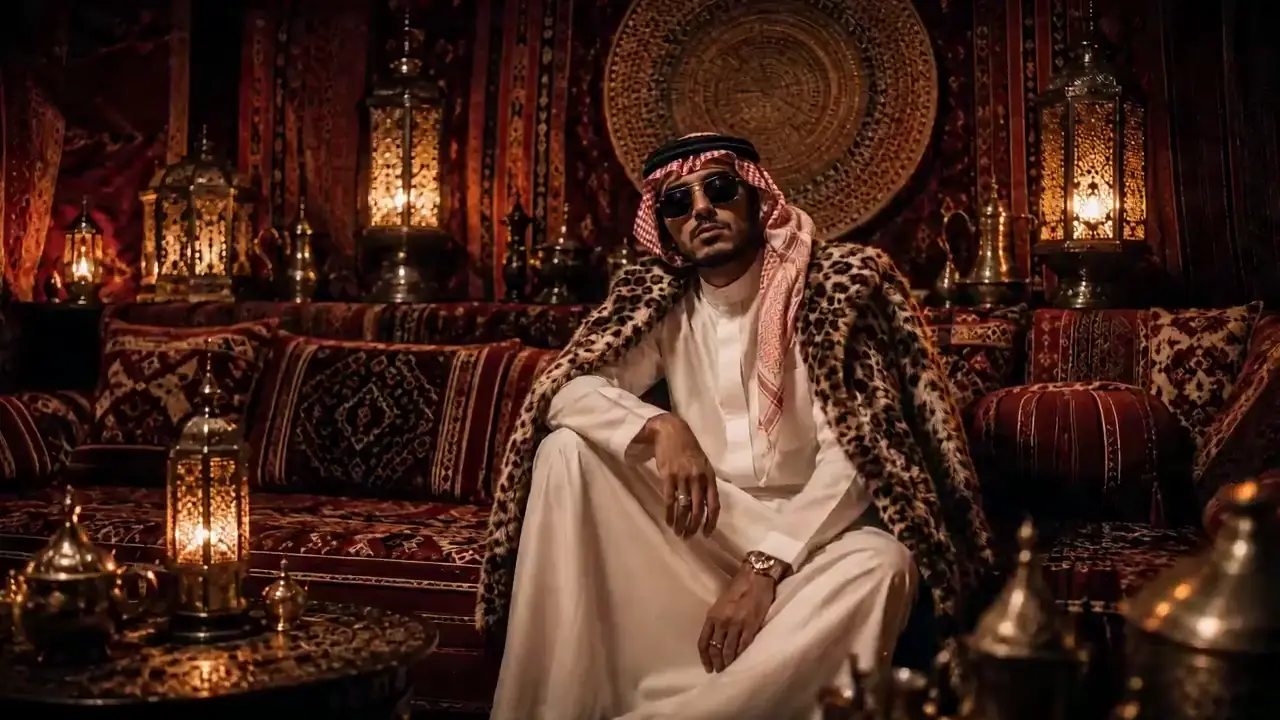
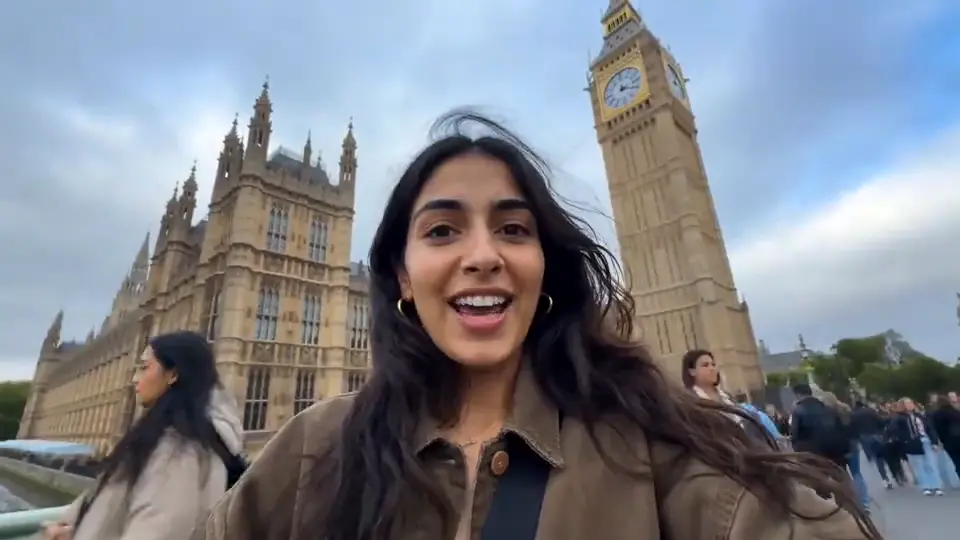
Image to video models read depth, subjects and lighting from your still, then add motion that belongs — drifting camera, flowing water, living characters — without warping what made the image yours.
- Subject-aware animation from a single frame
- Camera moves: push-in, orbit, dolly and pan
- Keeps composition, colors and identity intact
For products and brands
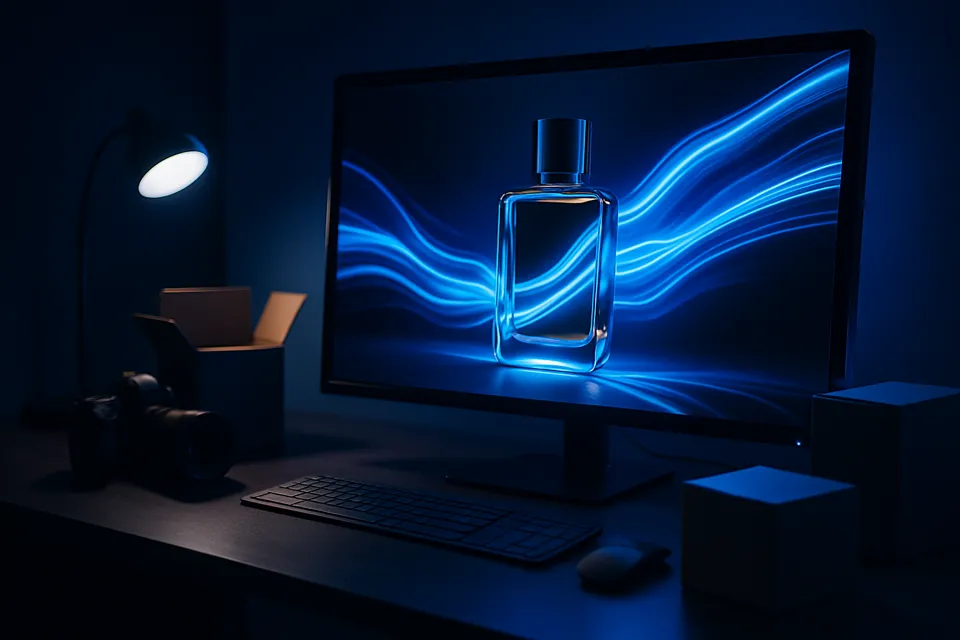
Turn Product Shots into Ad-Ready Motion
E-commerce catalogs are full of stills. Convert image to video for hero shots and get scroll-stopping clips for TikTok, Reels and product pages — same product, new dimension.
- Product-true colors and geometry
- 9:16, 1:1 and 16:9 outputs per platform
- Batch through the API for whole catalogs
A Powerful Image to Video AI for Every Creator and Business
E-commerce sellers
Catalog stills become product films
Your product photos already exist — image to video turns them into motion ads for TikTok, Reels and product pages without booking a single shoot. Same SKU, same colors, a whole new dimension.
How to Convert an Image to Video
Three steps from a still to a moving scene.
- 01
Upload your image
A photo, render or artwork — JPG, PNG or WebP up to 4K.
- 02
Describe the motion
Tell the model how the scene should move; pick an engine to match the style.
- 03
Generate and export
Preview takes, re-roll variations and ship the keeper anywhere.
Helpful Resources About AI Video Generation
Real tests, comparisons and guides from the AirCube Hub.
Image to Video, Answered
What is an image to video AI generator?
An image to video generator turns a still image into a moving clip. The model reads depth, subjects and lighting from your picture, then synthesizes motion — camera movement, environmental effects and character animation — while keeping the original look.
What images work best for image to video?
Sharp, well-lit images with a clear subject animate best. Photos, product shots, illustrations and AI-generated art all work — up to 4K input, JPG, PNG, BMP or WebP.
Can I control how the image moves?
Yes — describe the motion in the prompt: 'slow push-in', 'wind through the trees', 'she turns toward the camera'. Different models interpret motion differently, so comparing engines pays off.
Which model is best for image to video?
In our testing, Wan leads for image-faithful animation, Kling for cinematic camera work, and Seedance for longer consistent takes. AirCube lets you run the same image through several image to video models and pick per shot.
How do I write a good motion prompt for image to video?
Keep the subject description short — the image already carries it — and spend your words on motion and camera: what moves, how fast, and where the camera goes. 'Gentle breeze, slow dolly left, she looks up' beats a paragraph re-describing the scene.
What resolution and length does image to video support?
Most image to video models on AirCube output 480P to 1080P at 5–15 seconds per clip. Long-take engines like Seedance and Wan 2.7 support extended durations, and you can upscale the keeper before export.
Is there an API for image to video?
Yes — the same image to video models are available through one API with prepaid credits and webhooks for async jobs. See the API docs to batch-animate a whole catalog.
Get started
Your photos have a second act
Turn any image into video with 450+ models on AirCube.