

Qwen Image Edit 2511
Qwen Image Edit 2511 is a major upgrade over 2509 for real-world image editing and design. It delivers stronger edit consistency, robust multi-person identity/pose consistency, built-in LoRA styles, enhanced industrial/product design, and improved geometric reasoning for structure-preserving edits. Built for stable production use with a ready-to-use REST API, no cold starts, and predictable pricing.
Key Features
- Text-to-image and image editing unified — generate from scratch with a text prompt or edit an existing image in a single model.
- Strong edit consistency — preserves identity, pose, and structural integrity across edits.
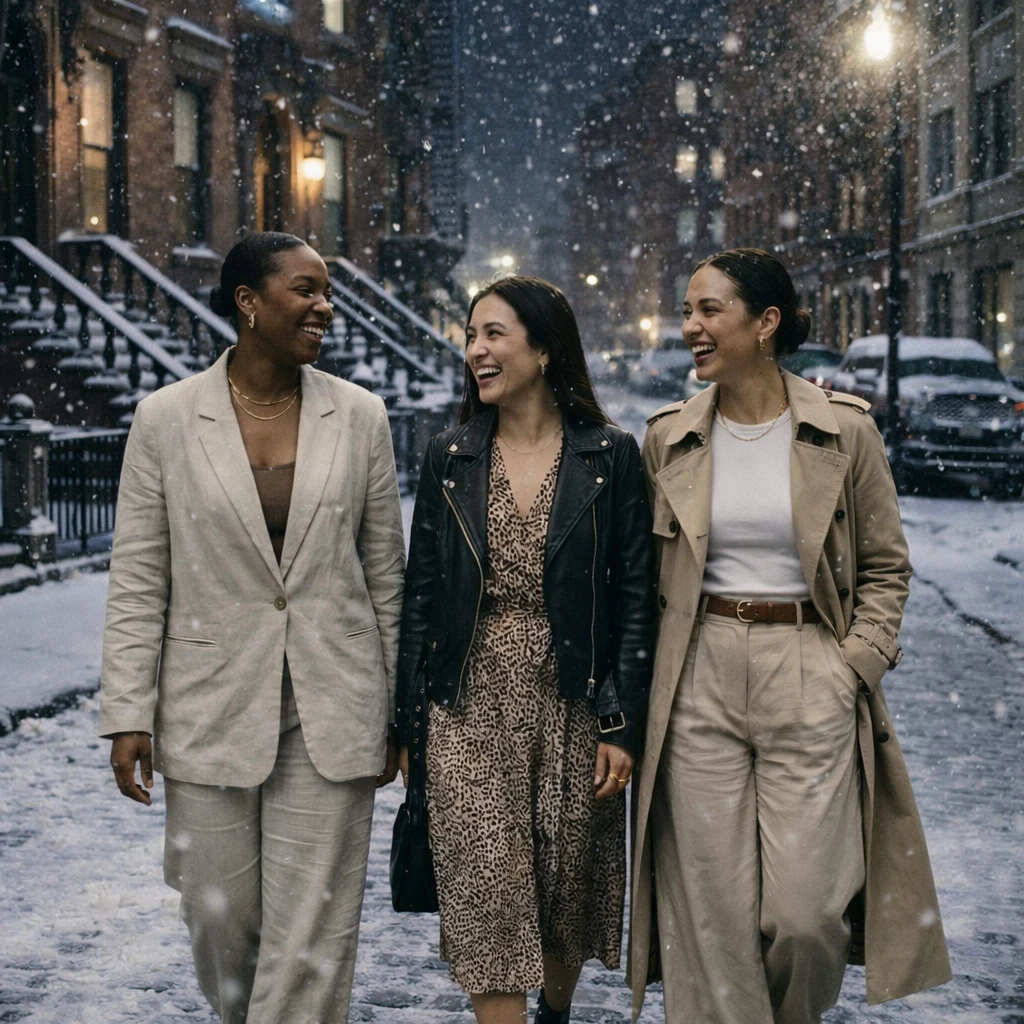
- Multi-person identity and pose consistency — handles complex scenes with multiple subjects.
- Enhanced industrial and product design — improved quality for product shots and design iterations.
- Improved geometric reasoning — structure-preserving edits that maintain spatial relationships.
- HD and FHD quality tiers — choose between speed (HD) and detail (FHD).
- Wide aspect ratio support — 9 options including ultra-wide 21:9 and 9:21.
Parameters
| Parameter | Required | Description |
|---|---|---|
| prompt | Yes | Description of the image to generate or the edit to apply. |
| image | No | A source image URL to edit. Omit for text-to-image generation. |
| aspect_ratio | No | Aspect ratio: 1:1 (default), 9:16, 16:9, 4:3, 3:4, 3:2, 2:3, 21:9, 9:21. |
| resolution | No | Output quality: '1k' (HD, default) or '2k' (FHD). |
How to Use
- For text-to-image: provide a prompt describing your desired image.
- For image editing: provide a source image URL and describe the change you want.
- Choose aspect ratio from 9 available options to match your output needs.
- Select '1k' for fast iteration or '2k' for higher-detail output.
Code Examples
import os
import requests

response = requests.post(
    "https://aircube.ai/api/v3/qwen-image/edit-2511",
    headers={
        "Authorization": "Bearer " + os.environ["AIRCUBE_API_KEY"],
        "Content-Type": "application/json",
    },
    json={
    "prompt": "Replace the background with a clean white studio, keep the product in the center with soft lighting",
    "image": "https://example.com/product-photo.jpg",
    "aspect_ratio": "1:1",
    "resolution": "2k"
},
    timeout=300,
)
data = response.json()

if data["success"]:
    print("ID:", data["data"]["id"], "Status:", data["data"]["status"])
else:
    print("Error:", data["error"]["message"])
Pricing
| Resolution | Duration | Cost |
|---|---|---|
| 1k | per image | $0.02 |
| 2k | per image | $0.03 |
Billing rules
- Per image: 1k: $0.02, 2k: $0.03.
- Failed generations are not charged.
Best Use Cases
- Product photo editing — enhance, retouch, or restyle product images while preserving product identity.
- Creative retouching — modify elements, swap backgrounds, or change visual style with natural language.
- Multi-person scene editing — adjust poses, clothing, or expressions while maintaining identity consistency.
- Design iteration — rapidly explore variations of a concept from a reference image.
- Style transfer — apply artistic styles from a reference image to new compositions.
- E-commerce optimization — enhance product images and generate variations for A/B testing.
Pro Tips
- Be specific about what to change — 'replace the background with a minimalist studio' works better than 'change the background'.
- Use FHD (2k) resolution for production assets and HD (1k) for quick iterations.
- For text-to-image use, include detailed style and lighting descriptions for best results.
- Aspect ratio 21:9 and 9:21 are available for ultra-wide or ultra-tall compositions.
- Provide a high-quality source image for the best edit blending results.
Notes
- Dual-mode: text-to-image when no image provided, image editing when an image is included.
- 9 aspect ratio options available including ultra-wide 21:9.
- HD resolution: up to 1024px on longest side. FHD: up to 1280px.