



Seedance 2.0 Image To Video
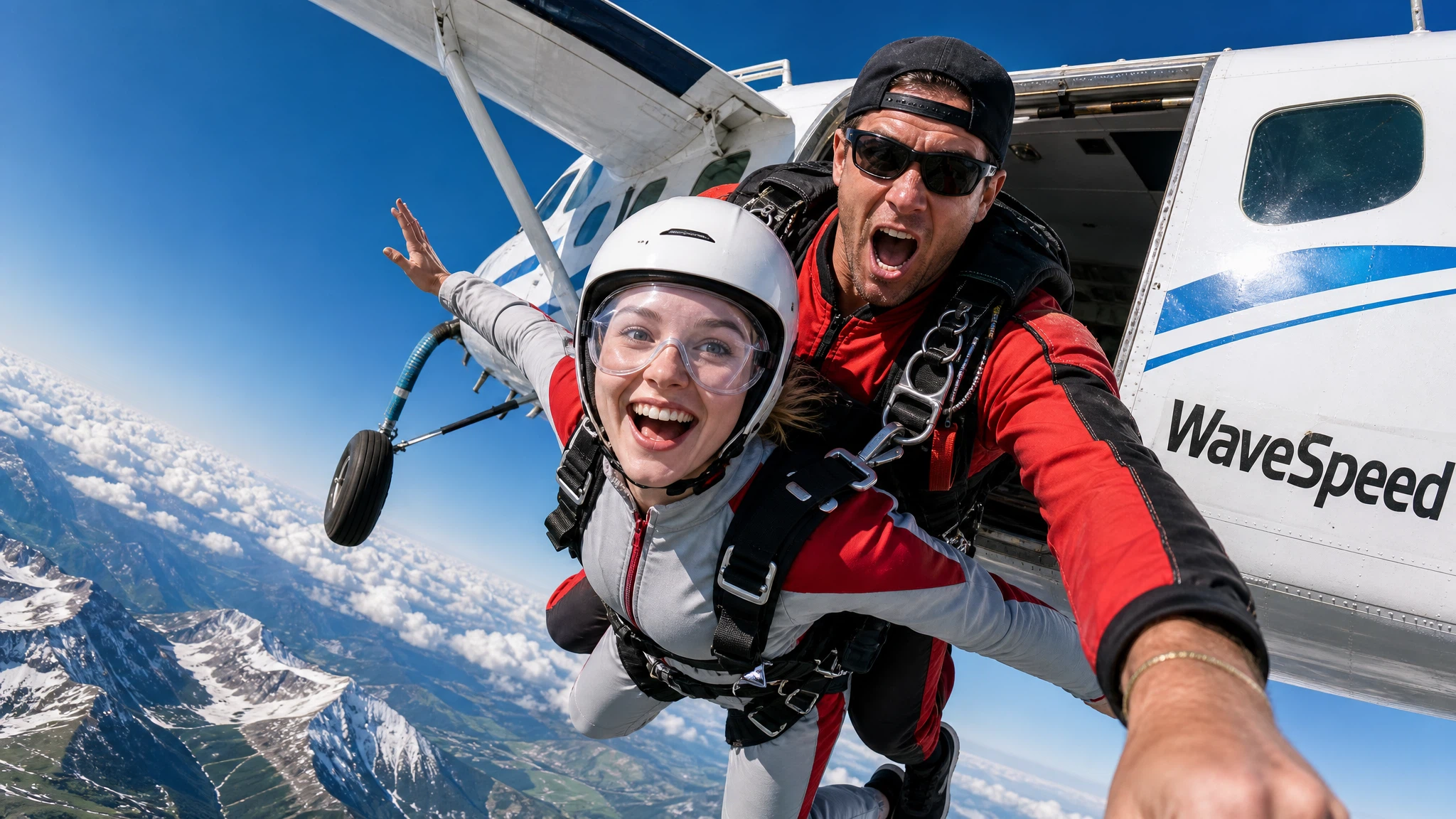
Seedance 2.0 (Image-to-Video) generates Hollywood-grade cinematic videos from reference images and text prompts with native audio-visual synchronization, director-level camera and lighting control, and exceptional motion stability. Built on Seed's unified multimodal architecture, it preserves the input image's subject and composition while adding expressive, physically accurate motion.
Key Features
- Image-faithful generation — preserves the reference image's subject identity, composition and lighting while animating it into natural motion.
- Multi-image reference support — guide generation with up to 4 reference images for consistent style, characters or scenes.
- Native audio-visual synchronization — generates video with synchronized audio in a single pass (enabled by default).
- Director-level control — granular control over camera movement, lighting, shadows and character performance through prompts.
- Exceptional motion stability — industry-leading motion coherence with stable subjects, consistent physics and fluid transitions.
- Up to 4K resolution with duration from 4 to 15 seconds for production-ready output.
Parameters
| Parameter | Required | Description |
|---|---|---|
| prompt | Yes | Detailed description of the cinematic scene and desired motion. |
| image | Yes | Start image URL to guide the video generation. |
| last_image | No | Last frame image URL for video continuation. |
| duration | No | Video length in seconds: 4-15 (default: 5). |
| aspect_ratio | No | Output format: 16:9, 9:16, 4:3, 3:4, 1:1, 21:9 (default: 16:9). |
| resolution | No | Output resolution: 480p, 720p (default), 1080p, or 4k. |
| enable_web_search | No | Enable web search for enhanced prompt understanding. |
| generate_audio | No | Generate synchronized audio (default: true). |
How to Use
- Upload a start image to guide the video generation.
- Write your prompt — describe the scene with cinematic detail: action, camera movement, lighting, mood.
- Set duration — choose any duration from 4 to 15 seconds.
- Run — submit and download your cinematic video with synchronized audio.
Code Examples
import os
import requests

response = requests.post(
    "https://aircube.ai/api/v3/seedance-2.0/image-to-video",
    headers={
        "Authorization": "Bearer " + os.environ["AIRCUBE_API_KEY"],
        "Content-Type": "application/json",
    },
    json={
    "prompt": "A woman slowly turns her head and smiles, soft golden hour lighting, cinematic depth of field",
    "image": "https://example.com/portrait.jpg",
    "duration": 5,
    "resolution": "1080p",
    "generate_audio": true
},
    timeout=300,
)
data = response.json()

if data["success"]:
    print("ID:", data["data"]["id"], "Status:", data["data"]["status"])
else:
    print("Error:", data["error"]["message"])
Pricing
| Resolution | Duration | Cost |
|---|---|---|
| 480p | 4s | $0.48 |
| 480p | 5s | $0.60 |
| 480p | 6s | $0.72 |
| 480p | 8s | $0.96 |
| 480p | 10s | $1.20 |
| 480p | 12s | $1.44 |
| 480p | 15s | $1.80 |
| 720p | 4s | $0.96 |
| 720p | 5s | $1.20 |
| 720p | 6s | $1.44 |
| 720p | 8s | $1.92 |
| 720p | 10s | $2.40 |
| 720p | 12s | $2.88 |
| 720p | 15s | $3.60 |
| 1080p | 4s | $2.40 |
| 1080p | 5s | $3.00 |
| 1080p | 6s | $3.60 |
| 1080p | 8s | $4.80 |
| 1080p | 10s | $6.00 |
| 1080p | 12s | $7.20 |
| 1080p | 15s | $9.00 |
| 4k | 4s | $4.80 |
| 4k | 5s | $6.00 |
| 4k | 6s | $7.20 |
| 4k | 8s | $9.60 |
| 4k | 10s | $12.00 |
| 4k | 12s | $14.40 |
| 4k | 15s | $18.00 |
Billing rules
- 480p / 4s: $0.48.
- 720p / 4s: $0.96.
- 1080p / 4s: $2.40.
- 4k / 4s: $4.80.
- Longer durations scale proportionally.
- Failed generations are not charged.
Best Use Cases
- Product demos — animate product shots into cinematic showcase videos.
- Commercials — create professional ad content from reference imagery.
- Character animation — animate characters or artwork into full cinematic footage.
- Scene extension — transform a single keyframe into a full cinematic sequence.
- Style-consistent series — use reference images to maintain visual consistency across multiple clips.
Pro Tips
- Upload high-quality reference images for the best subject preservation.
- Write prompts like a film director — include lighting, camera angles and mood.
- Use multiple reference images for better style and character consistency.
- Start with a short duration (4-5s) to iterate, then extend up to 15s for the final cut.
- Describe character expressions and actions for more engaging scenes.
Notes
- Native audio generation is included by default — videos come with synchronized sound.
- Up to 4 reference images can be uploaded.
- Duration range: 4-15 seconds (continuous).
- Median generation time: approximately 170 seconds.