

Seedance 2.0 Mini Image To Video
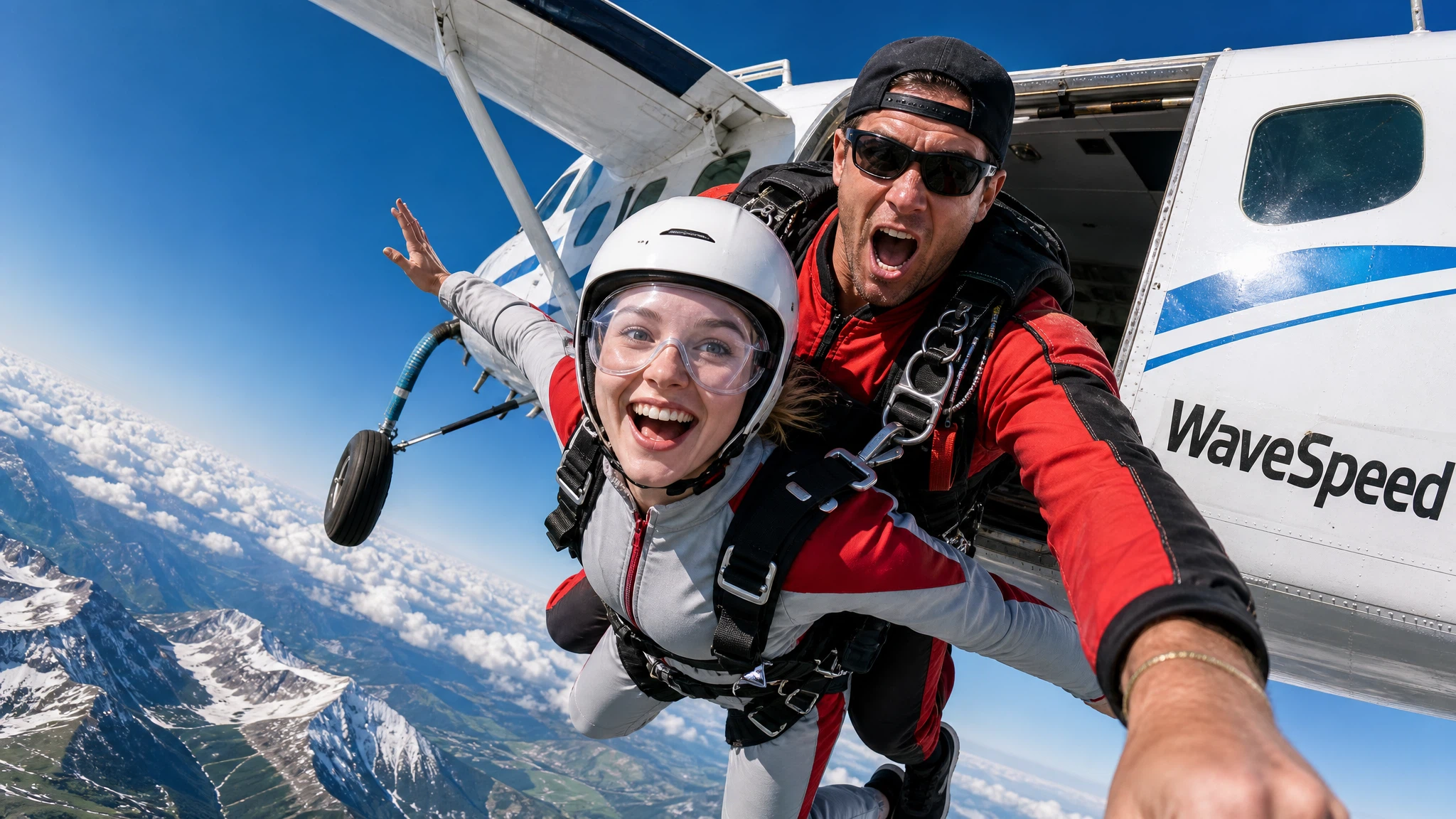
Seedance 2.0 Mini Image to Video is ByteDance's faster, lower-cost image-to-video model for cinematic multi-shot videos. It turns reference images and optional text prompts into narrative sequences with AI camera control, consistent characters across scenes, 480P / 720P output, 4-15s duration, and flexible aspect ratios. Ready-to-use REST inference API, best performance, no coldstarts, affordable pricing.
Key Features
- Animate still images into smooth, high-quality video with natural motion.
- Faithful to the source — preserves subject identity, composition and visual style during animation.
- Prompt-guided motion — control camera movement, subject actions and scene dynamics via text.
- Multiple duration options — generate clips from a few seconds up to the model maximum.
- Resolution support — 480p and 720p.
- Consistent physics — realistic motion with proper object dynamics and lighting continuity.
Parameters
| Parameter | Required | Description |
|---|---|---|
| prompt | Yes | Text description of the motion and scene dynamics. |
| image | Yes | Source image URL to animate. |
| duration | No | Video length in seconds (default varies by model). |
| aspect_ratio | No | Output ratio: 16:9, 9:16, 4:3, 1:1 (default: matches input). |
| resolution | No | Output resolution: 480p, 720p (default: 720p). |
How to Use
- Upload a high-quality source image that you want to animate.
- Write a prompt describing the desired motion — camera movement, subject action, and mood.
- Set duration and resolution based on your needs.
- Generate and download your animated video clip.
Code Examples
import os
import requests

response = requests.post(
    "https://aircube.ai/api/v3/seedance-2.0-mini/image-to-video",
    headers={
        "Authorization": "Bearer " + os.environ["AIRCUBE_API_KEY"],
        "Content-Type": "application/json",
    },
    json={
    "prompt": "Camera slowly orbits around the subject, hair flowing gently in the breeze",
    "image": "https://example.com/portrait.jpg",
    "duration": 5
},
    timeout=300,
)
data = response.json()

if data["success"]:
    print("ID:", data["data"]["id"], "Status:", data["data"]["status"])
else:
    print("Error:", data["error"]["message"])
Pricing
| Resolution | Duration | Cost |
|---|---|---|
| 480p | 4s | $0.14 |
| 480p | 5s | $0.18 |
| 480p | 6s | $0.22 |
| 480p | 8s | $0.29 |
| 480p | 10s | $0.35 |
| 480p | 12s | $0.43 |
| 480p | 15s | $0.53 |
| 720p | 4s | $0.38 |
| 720p | 5s | $0.47 |
| 720p | 6s | $0.56 |
| 720p | 8s | $0.75 |
| 720p | 10s | $0.94 |
| 720p | 12s | $1.13 |
| 720p | 15s | $1.41 |
Billing rules
- 480p / 4s: $0.14.
- 720p / 4s: $0.38.
- Longer durations scale proportionally.
- Failed generations are not charged.
Best Use Cases
- Product animation — bring still product shots to life with subtle motion.
- Social media content — create eye-catching animated posts from static images.
- Ad creatives — transform hero images into engaging video ads.
- Character animation — animate character art or portraits with expressive motion.
- Scene storytelling — extend a keyframe into a full cinematic sequence.
Pro Tips
- Upload high-resolution, clean images for best motion quality.
- Describe camera movement (zoom in, pan left, orbit around) for cinematic results.
- Start with short durations (3-5s) to iterate quickly, then extend for final renders.
- Keep the subject centered in the source image for more stable animation.
- Mention specific actions (walking, waving, flowing) for directed character motion.
Notes
- Input images should be under 10 MB (JPEG, PNG, WebP).
- Video output is typically MP4 format.
- Generation time varies with duration and resolution — longer clips take more time.