
Gpt Image 1 Edit
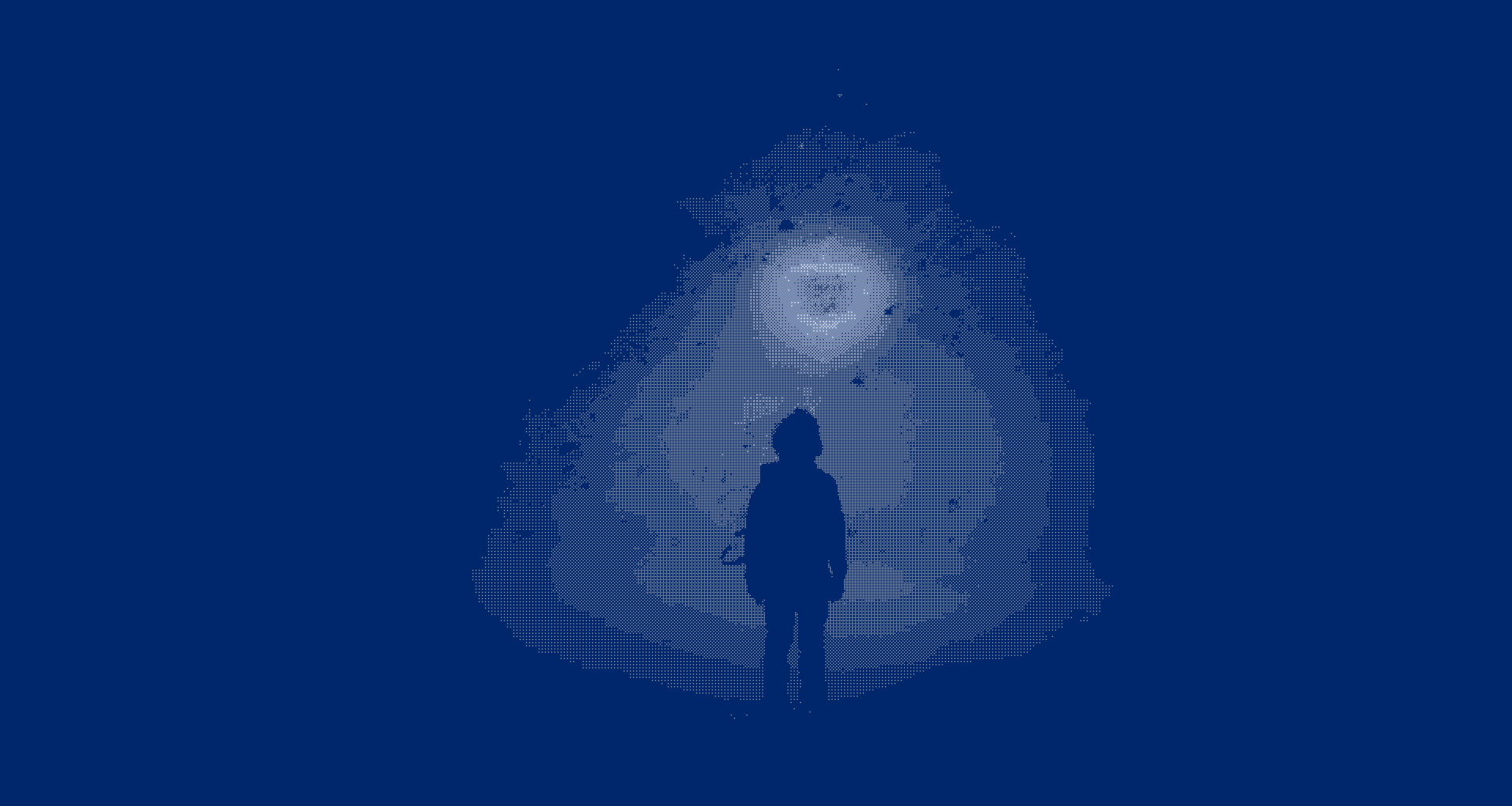
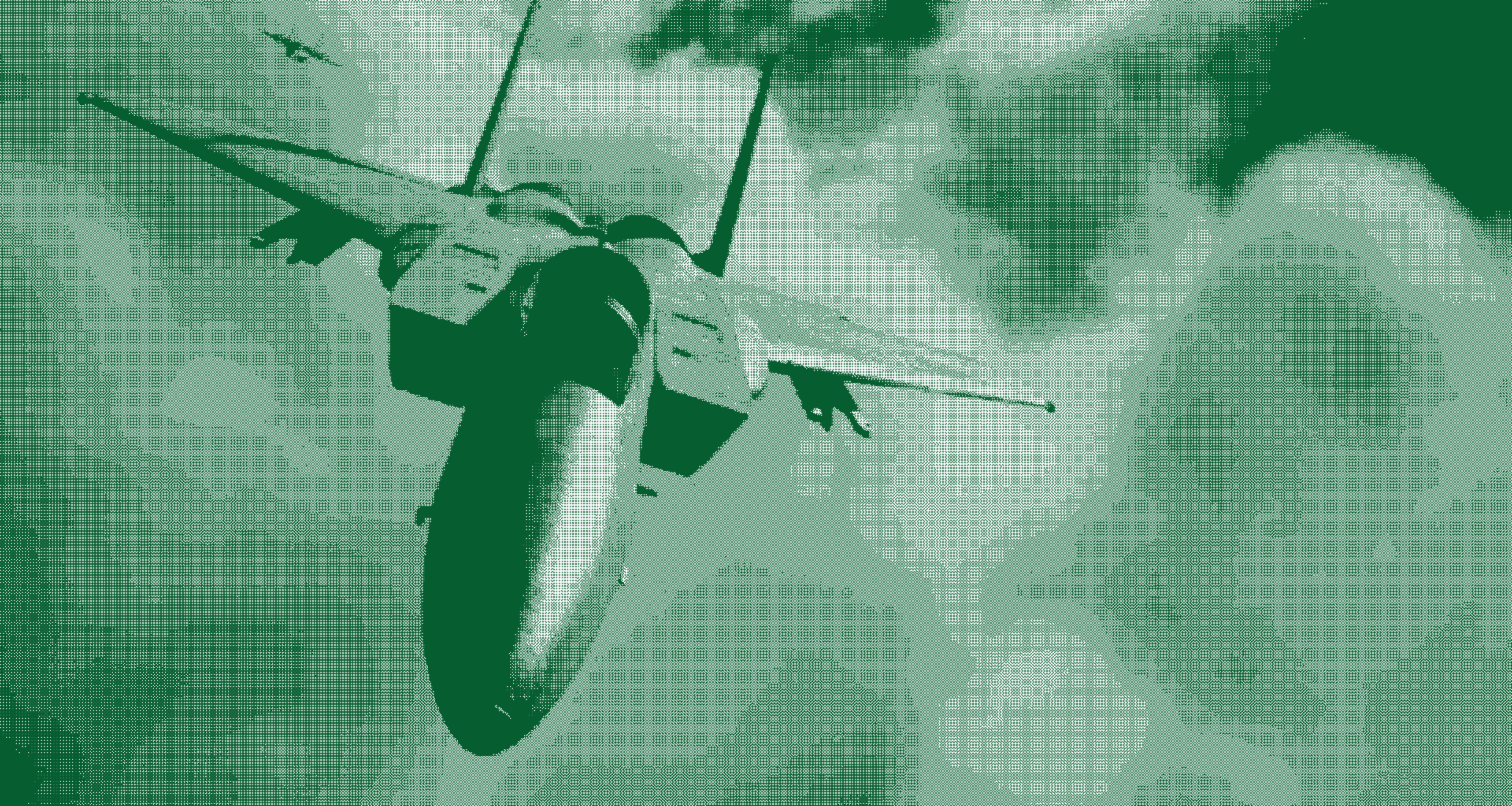
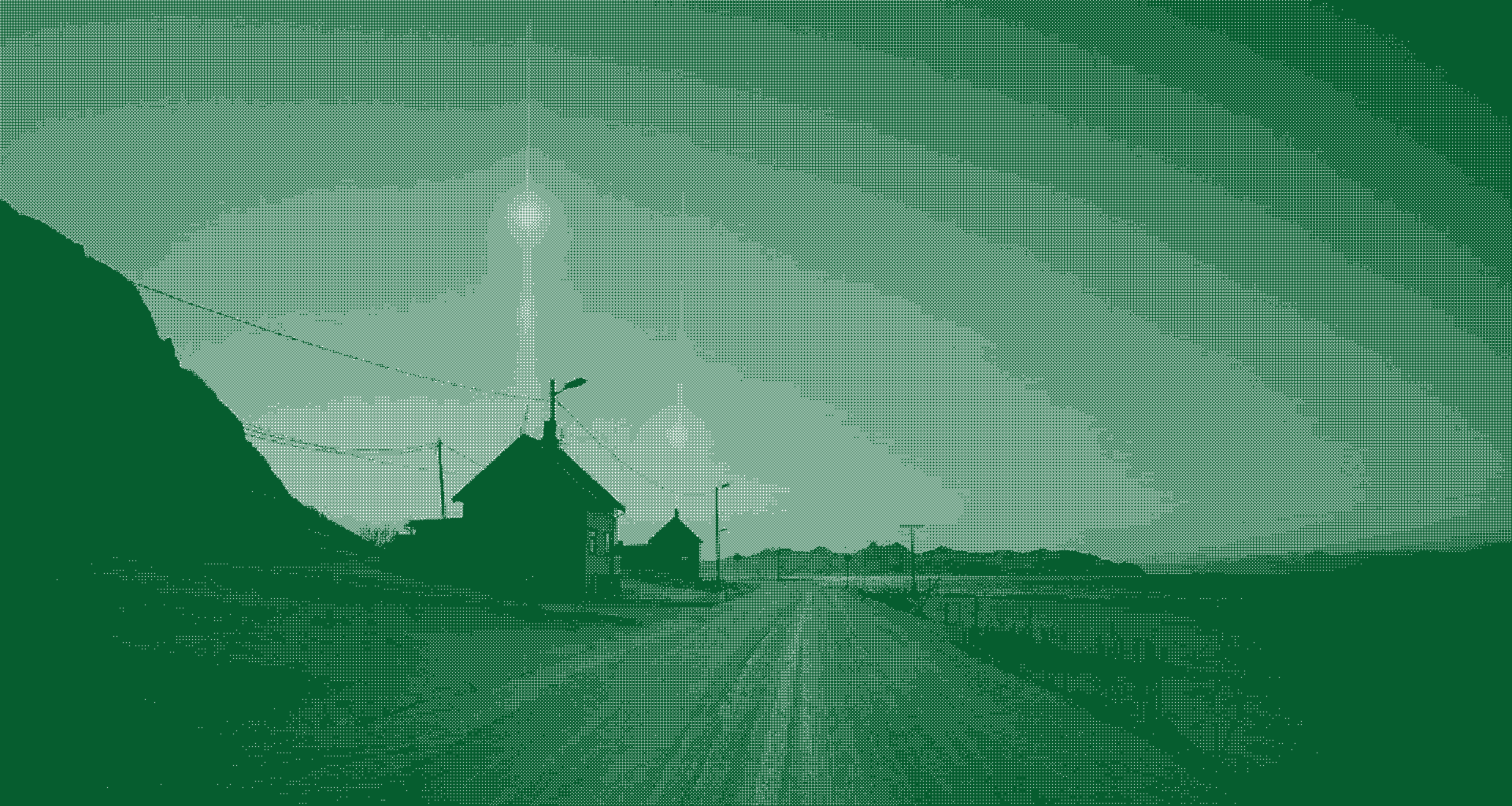
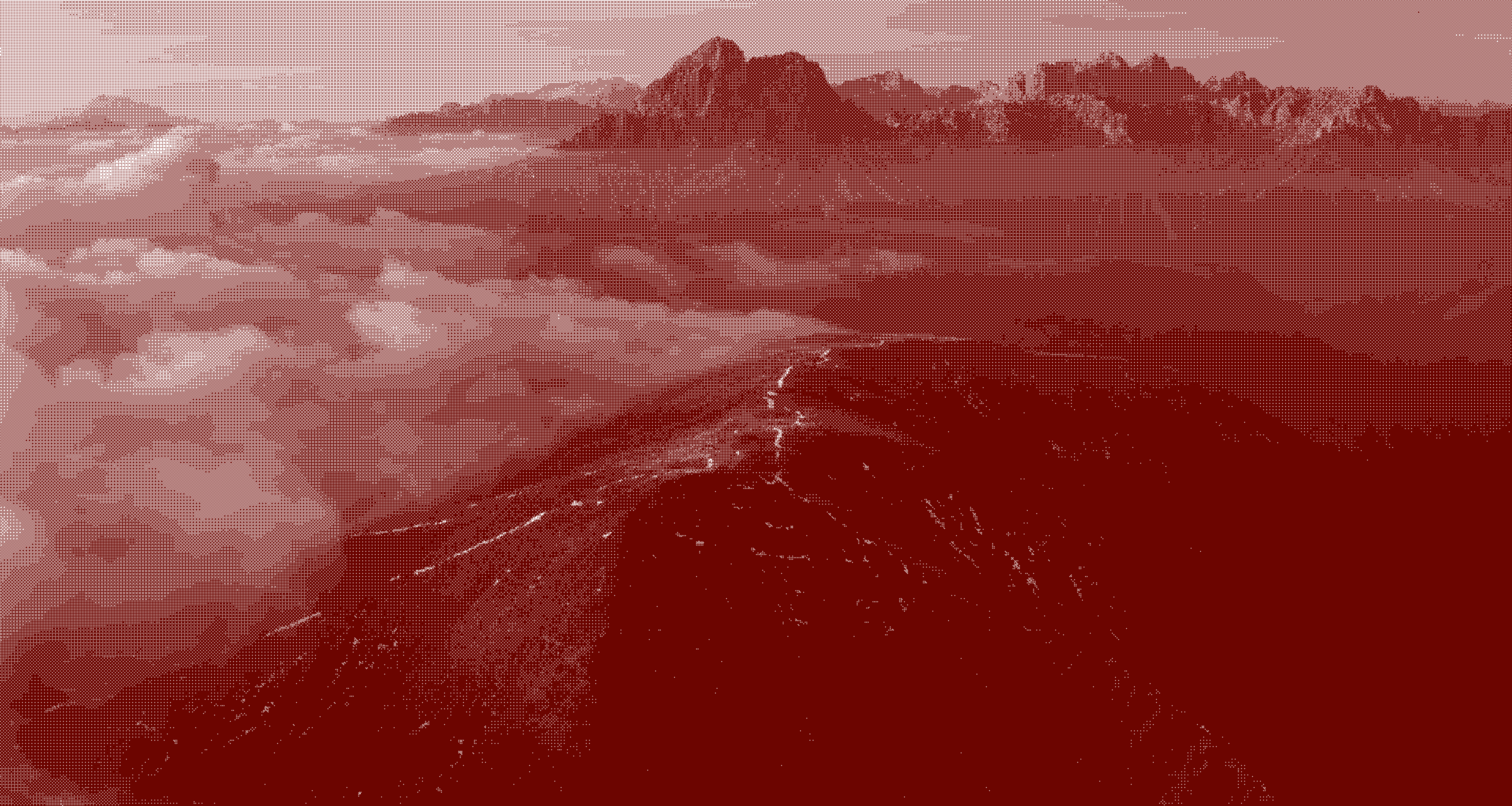
GPT Image 1 Edit transforms images with natural language instructions. It applies style changes, modifications, and creative transformations with optional mask support for precise regional editing and multiple quality tiers. Ready-to-use REST inference API, best performance, no cold starts, affordable pricing.
Key Features
- Transform existing images using text prompts while preserving key structural elements.
- Style transfer — apply artistic styles, color grading, or visual themes to source images.
- Intelligent inpainting and editing — modify specific regions while keeping the rest intact.
- Strength control — fine-tune how much the output deviates from the source image.
- Fast inference with consistent, high-quality results.
- Supports various input formats: JPEG, PNG, WebP.
Parameters
| Parameter | Required | Description |
|---|---|---|
| prompt | Yes | Text description of the desired transformation. |
| images | Yes | Source image URL(s) to transform. |
| aspect_ratio | No | Output aspect ratio (default: auto-detected from input). |
| resolution | No | Output resolution tier (default varies by model). |
How to Use
- Upload or provide a URL for your source image.
- Write a prompt describing the desired transformation or style.
- Adjust parameters to control how much the output differs from the original.
- Generate and download your transformed image.
Code Examples
import os
import requests

response = requests.post(
    "https://aircube.ai/api/v3/gpt-image-1/edit",
    headers={
        "Authorization": "Bearer " + os.environ["AIRCUBE_API_KEY"],
        "Content-Type": "application/json",
    },
    json={
    "prompt": "Transform into a watercolor painting style",
    "images": [
        "https://example.com/input.jpg"
    ]
},
    timeout=300,
)
data = response.json()

if data["success"]:
    print("ID:", data["data"]["id"], "Status:", data["data"]["status"])
else:
    print("Error:", data["error"]["message"])
Pricing
| Resolution | Duration | Cost |
|---|---|---|
| 1k | low quality | $0.02 |
| 1k | medium quality | $0.05 |
| 1k | high quality | $0.17 |
Billing rules
- Pricing varies by quality x resolution combination.
- Low quality: $0.02 (1k).
- Medium quality: $0.05 (1k).
- High quality: $0.17 (1k).
- Failed generations are not charged.
Best Use Cases
- Style transfer — convert photos into paintings, sketches or other artistic styles.
- Product visualization — change colors, materials or environments of product photos.
- Photo enhancement — improve lighting, add atmospheric effects, or change seasons.
- Brand asset adaptation — transform templates to match different campaigns or audiences.
Pro Tips
- Use lower strength values to preserve more of the original structure.
- Higher strength gives the model more creative freedom for dramatic transformations.
- Upload high-resolution source images for the best output quality.
- Combine detailed prompts with moderate strength for controlled style changes.
Notes
- Input images should be under 10 MB.
- Supported formats: JPEG, PNG, WebP.
- Aspect ratio of the output matches the input image by default.