



Gpt Image 2 Text To Image
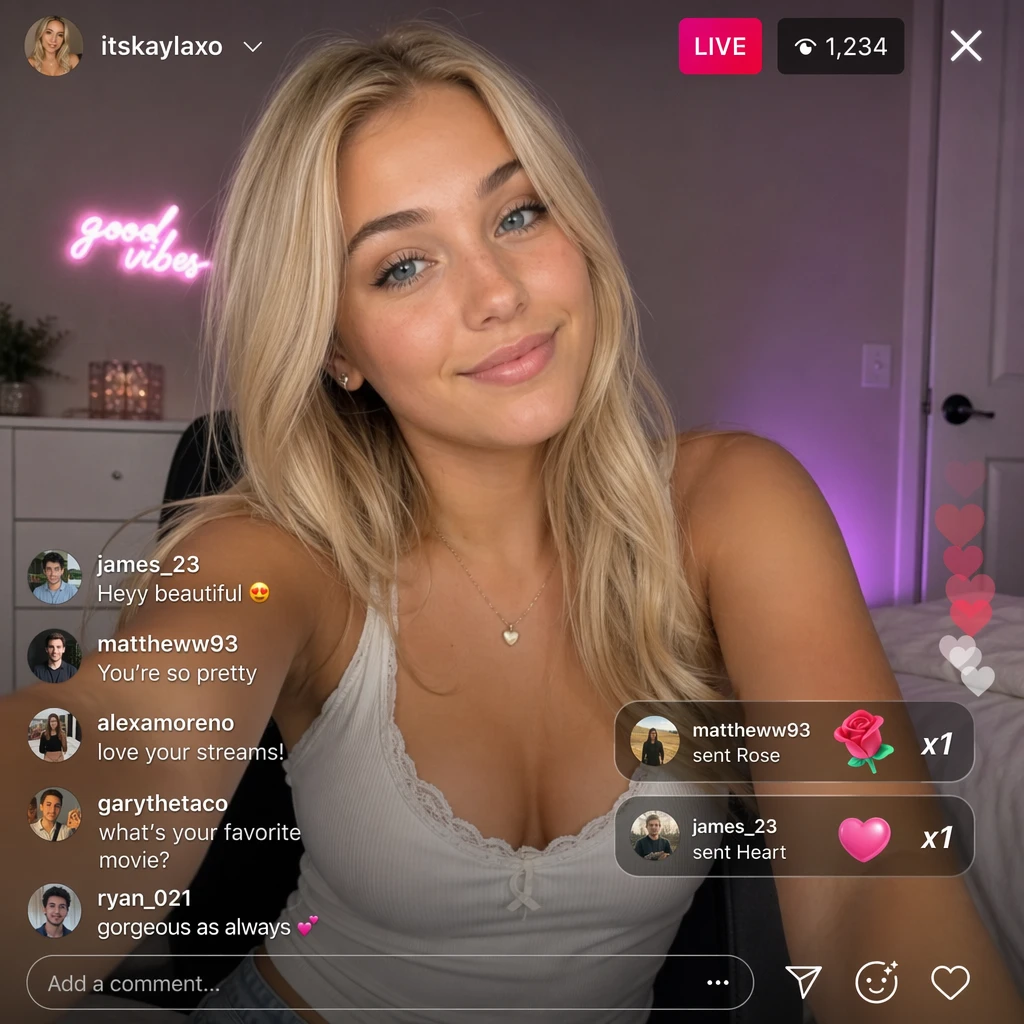
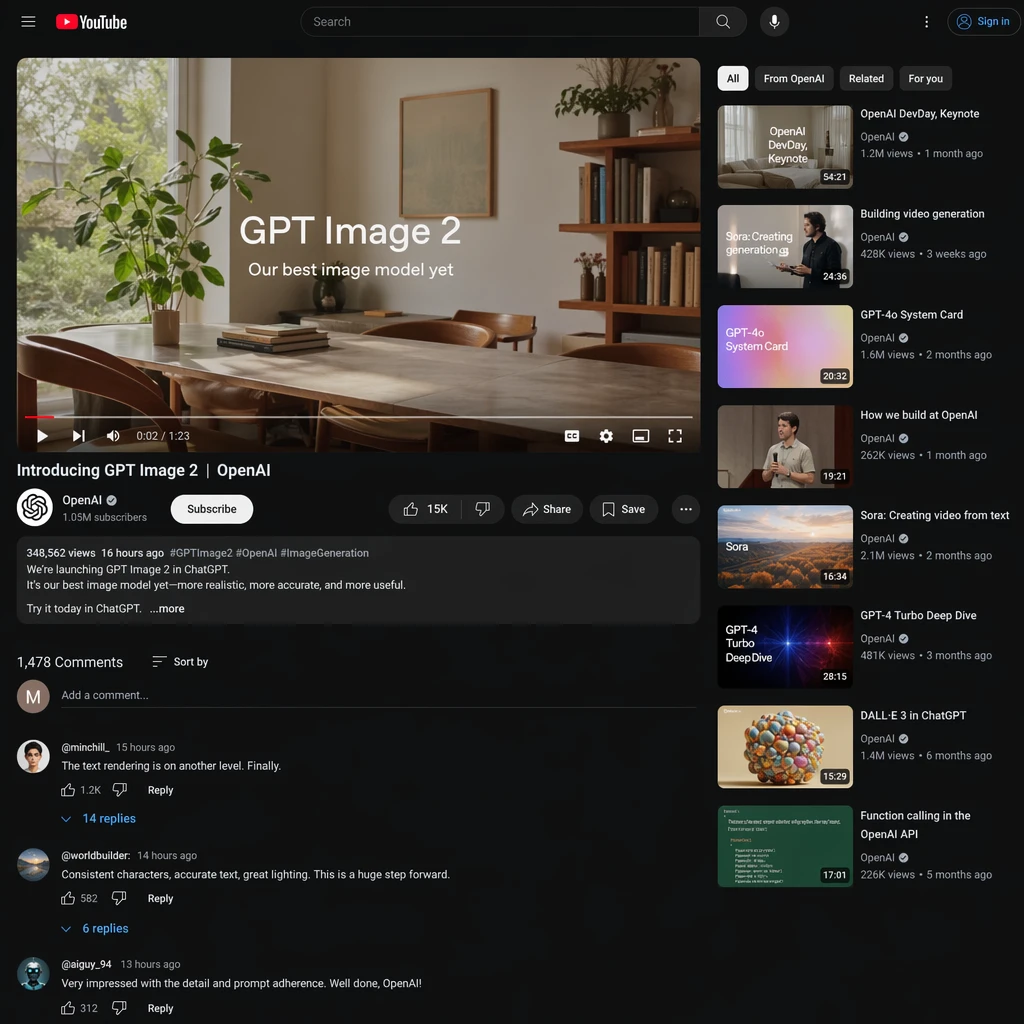
OpenAI's GPT Image 2 Text-to-Image generates high-quality images from natural-language prompts. Ready-to-use REST inference API, best performance, no coldstarts, affordable pricing.
Key Features
- Strong prompt fidelity — accurately renders complex multi-element scenes with precise spatial relationships.
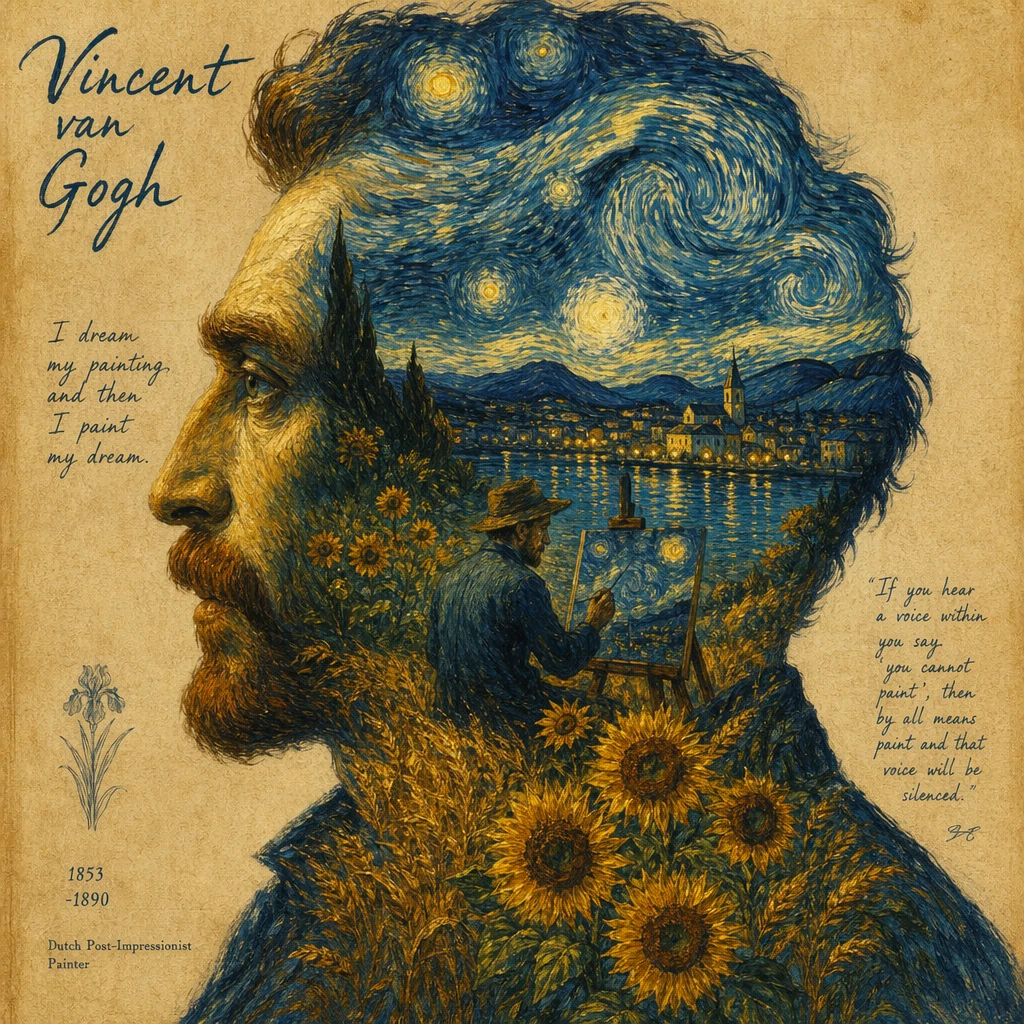
- High-quality output — production-grade images with natural lighting, composition, and detail.
- Accurate text rendering — one of the best models for generating readable text within images.
- Flexible aspect ratios — supports 10 ratio options from 1:1 to 21:9 for any use case.
- Production-ready API — simple integration with quality/resolution tiers for cost optimization.
- Multiple resolution tiers: 1k, 2k, and 4k for preview through production workflows.
Parameters
| Parameter | Required | Description |
|---|---|---|
| prompt | Yes | Detailed description of the image to generate. |
| aspect_ratio | No | Ratio options: 1:1, 3:2, 2:3, 3:4, 4:3, 4:5, 5:4, 9:16, 16:9, 21:9. |
| resolution | No | Output resolution: '1k', '2k', or '4k' (default: '1k'). |
| quality | No | Quality level: 'low', 'medium' (default), or 'high'. |
| output_format | No | Output format: 'png', 'jpeg', or 'webp' (default: 'png'). |
| enable_base64_output | No | Return base64-encoded image data instead of URL. |
| enable_sync_mode | No | Enable synchronous response mode. |
How to Use
- Write a detailed prompt describing the image — GPT Image excels with natural language descriptions.
- Choose aspect ratio from the 10 available options.
- Select quality (low/medium/high) and resolution (1k/2k/4k) based on your needs.
- Generate and review results — iterate on your prompt for improvements.
Code Examples
import os
import requests

response = requests.post(
    "https://aircube.ai/api/v3/gpt-image-2/text-to-image",
    headers={
        "Authorization": "Bearer " + os.environ["AIRCUBE_API_KEY"],
        "Content-Type": "application/json",
    },
    json={
    "prompt": "A minimalist poster design with bold text reading 'DREAM BIG' in white sans-serif font on a gradient sunset background",
    "aspect_ratio": "9:16",
    "quality": "high",
    "resolution": "2k",
    "output_format": "png"
},
    timeout=300,
)
data = response.json()

if data["success"]:
    print("ID:", data["data"]["id"], "Status:", data["data"]["status"])
else:
    print("Error:", data["error"]["message"])
Pricing
| Resolution | Duration | Cost |
|---|---|---|
| 1k | low quality | $0.01 |
| 2k | low quality | $0.02 |
| 4k | low quality | $0.03 |
| 1k | medium quality | $0.06 |
| 2k | medium quality | $0.10 |
| 4k | medium quality | $0.18 |
| 1k | high quality | $0.22 |
| 2k | high quality | $0.40 |
| 4k | high quality | $0.72 |
Billing rules
- Pricing varies by quality x resolution combination.
- Low quality: $0.01 (1k), $0.02 (2k), $0.03 (4k).
- Medium quality: $0.06 (1k), $0.10 (2k), $0.18 (4k).
- High quality: $0.22 (1k), $0.40 (2k), $0.72 (4k).
- Failed generations are not charged.
Best Use Cases
- Marketing creatives — generate hero images, banners, and ad assets with text overlays.
- E-commerce — product visualization and lifestyle imagery at scale.
- Landing pages — custom hero images and section graphics.
- Social media — platform-specific visuals with accurate text rendering.
- Concept art — rapid creative exploration with precise prompt control.
- Typography-driven visuals — designs requiring readable embedded text.
Pro Tips
- GPT Image excels at text rendering — include specific text you want in the image within quotes.
- Use natural language descriptions rather than keyword lists for best results.
- Specify the artistic medium: 'oil painting', 'digital illustration', '3D render', 'photograph'.
- For text-heavy designs, describe text placement explicitly: 'centered bold title reading...'
- Use 'low' quality at '1k' for rapid iteration ($0.01), then 'high' at '4k' for final production.
Notes
- 10 aspect ratio options available for flexible composition.
- Output formats: PNG, JPEG, or WebP.
- Content policy applies — certain subjects will be filtered.
- Median generation time: approximately 58 seconds.