AI Media Generator API: Build an Image, Video and Voice Pipeline With One Key
Most AI media products chain several models: an image model for the keyframe, a video model to animate it, a voice or music model for sound. This guide builds that pipeline on a single API, with working code, model choices for each step and what a finished clip costs.
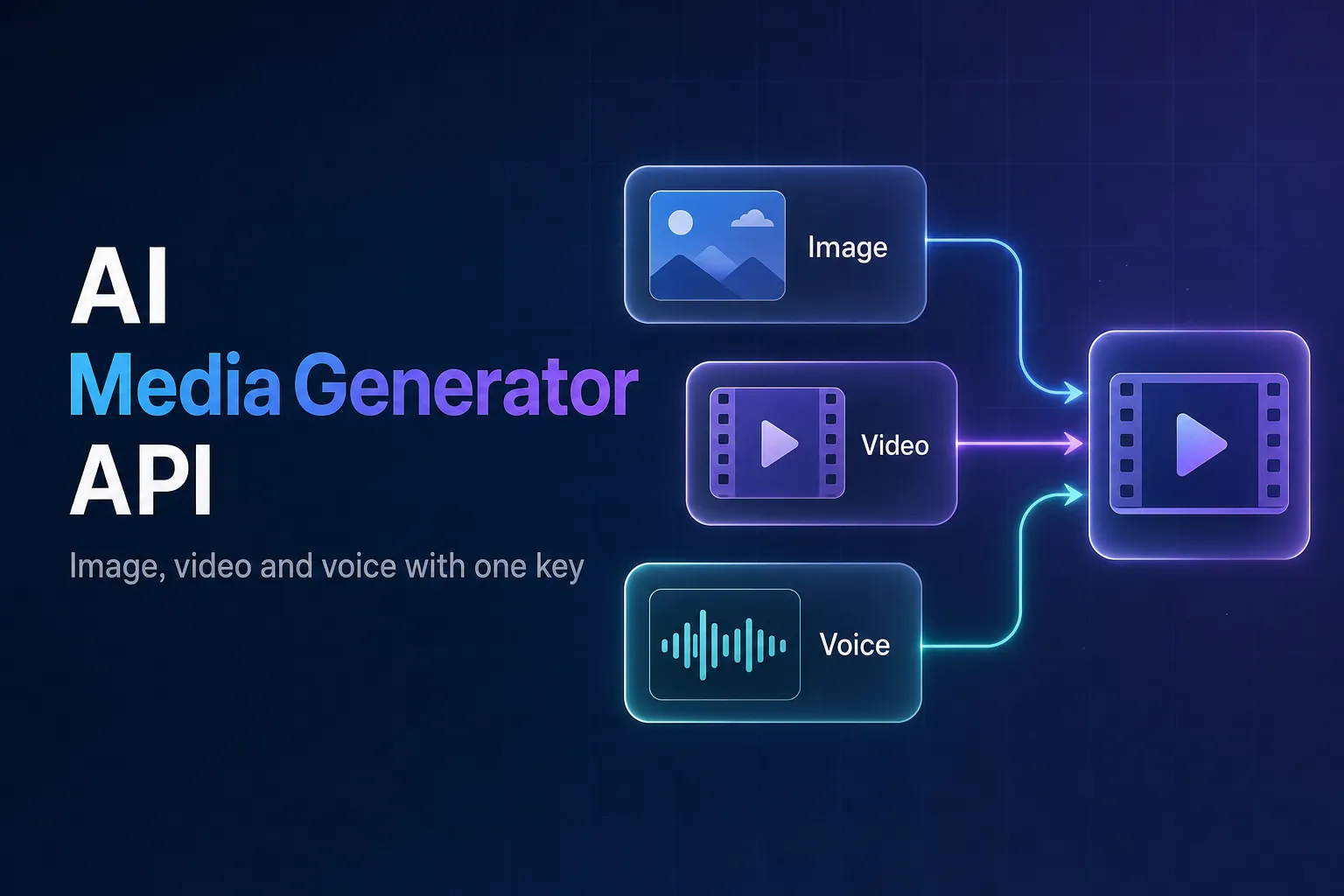
An AI media generator rarely runs on one model. A typical short clip is a chain: an image model creates the keyframe, a video model animates it, and a speech or music model adds the sound. Wiring each of those to a different vendor means separate accounts, keys, request formats, billing dashboards and failure modes.
This guide builds the whole chain on one API. Every step below uses the same key, the same request shape and the same status endpoint; only the model in the URL changes.
The short version
Generate a keyframe with POST /api/v3/seedream-v5.0-pro/text-to-image, pass its output_url as the image of an image-to-video request, generate narration with eleven-v3/text-to-speech, then merge video and audio with FFmpeg. A 5-second narrated clip costs about $0.80 with the models used here.
The pipeline at a glance
- Keyframe. A text-to-image model renders the opening frame. Doing this first lets you pick the exact look before paying for video.
- Motion. An image-to-video model animates that frame, so the clip starts from the image you approved.
- Sound. A text-to-speech model reads the narration (or a music model scores the clip).
- Assembly. FFmpeg muxes the audio onto the video and the result goes to your storage.
Steps 1 and 3 do not depend on each other, so you can run them in parallel and only wait on the keyframe before starting the video.
One request format for every model
All AirCube generations are asynchronous: you POST to /api/v3/{model}/{task}, get a generation id back, and poll GET /api/v3/status/{id} until it is completed. Two small helpers cover every step of the pipeline:
import os
import time

import requests

API_KEY = os.environ["AIRCUBE_API_KEY"]
BASE = "https://aircube.ai/api/v3"
HEADERS = {
    "Authorization": f"Bearer {API_KEY}",
    "Content-Type": "application/json",
}


def submit(model: str, task: str, payload: dict) -> str:
    response = requests.post(f"{BASE}/{model}/{task}", headers=HEADERS, json=payload, timeout=30)
    response.raise_for_status()
    return response.json()["data"]["id"]


def wait_for(generation_id: str, interval: float = 5, timeout: float = 600) -> str:
    deadline = time.time() + timeout
    while time.time() < deadline:
        response = requests.get(f"{BASE}/status/{generation_id}", headers=HEADERS, timeout=30)
        response.raise_for_status()
        data = response.json()["data"]
        if data["status"] == "completed":
            return data["output_url"]
        if data["status"] == "failed":
            raise RuntimeError(f"Generation {generation_id} failed (the charge is refunded)")
        time.sleep(interval)
    raise TimeoutError(generation_id)
Building the chain
# 1. Keyframe and narration start together; neither depends on the other.
keyframe_id = submit(
    "seedream-v5.0-pro",
    "text-to-image",
    {
        "prompt": "A ceramic coffee cup on a sunlit wooden table, steam rising, shallow depth of field",
        "aspect_ratio": "16:9",
        "resolution": "2k",
    },
)
voice_id = submit(
    "eleven-v3",
    "text-to-speech",
    {"prompt": "Slow mornings start with a better cup. Freshly roasted, delivered every week."},
)

# 2. Animate the approved keyframe. The output URL is public, so it can be
#    passed straight in as the source image.
keyframe_url = wait_for(keyframe_id, interval=3)
video_id = submit(
    "seedance-2.0-fast",
    "image-to-video",
    {
        "image": keyframe_url,
        "prompt": "Steam curls up from the cup, the camera slowly pushes in",
        "duration": "5",
        "resolution": "720p",
    },
)

video_url = wait_for(video_id, interval=5)
voice_url = wait_for(voice_id, interval=3)
Then download both files and merge them:
ffmpeg -i clip.mp4 -i voice.mp3 -c:v copy -c:a aac -shortest final.mp4
-c:v copy keeps the generated video untouched, and -shortest trims the result to the shorter of the two tracks. Output URLs are signed links valid for 7 days, so store the final file in your own bucket rather than linking to them.
Picking a model for each step
Prices are as of October 2026; see pricing for current numbers.
| Step | Model | API slug | Price |
|---|---|---|---|
| Keyframe | Seedream 5.0 Pro | seedream-v5.0-pro | $0.045 (1K) / $0.09 (2K) |
| Keyframe, cheap drafts | Seedream 5.0 Flash | seedream-v5.0-flash | $0.01 (1K) / $0.02 (2K) |
| Keyframe with text in the image | GPT Image 2 | gpt-image-2 | from $0.01 (low quality, 1K) |
| Animation | Seedance 2.0 Fast | seedance-2.0-fast | $0.66 (5s, 720p) |
| Animation, budget | Hailuo 02 | hailuo-02 | $0.30 (5s, 720p) |
| Animation, long shots | Wan 3.0 | wan-3.0 | $0.50 (5s, 720p), up to 30s |
| Narration | ElevenLabs v3 | eleven-v3 | $0.05 per generation |
| Narration, alternative | Qwen3 TTS | qwen3-tts | $0.05 per generation |
| Background music | MiniMax Music 2.5 | music-2.5 | $0.15 per track |
| Background music, cheap | ACE-Step 1.5 | ace-step-1.5 | $0.01–$0.02 per track |
With the defaults in the code above, one 5-second narrated clip costs $0.09 + $0.66 + $0.05 = $0.80. Swapping in Seedream 5.0 Flash and Hailuo 02 for drafts brings it to about $0.37.
GET /api/v3/models returns every model with the tasks it supports, and the models catalog shows sample outputs.
Keeping the pipeline reliable
Fail one step, not the whole job
Each step is a separate generation with its own status. If the video step fails, keep the keyframe and narration and retry only the video. A failed generation is refunded automatically, so a retry does not double-charge.
Retry only temporary errors
429 RATE_LIMITED and 5xx responses are worth retrying with exponential backoff and a little random jitter. 400 VALIDATION_ERROR (for example a duration the model does not support) will fail the same way every time, and 402 PAYMENT_REQUIRED means the balance needs a top-up.
Approve before you animate
Images take seconds and cost cents; video takes minutes and costs much more. Letting users regenerate the keyframe until they like it, and only then starting the video, is the single biggest cost saving in this kind of product.
Screen user prompts up front
If end users write the prompts, a model can refuse one for content reasons after a long wait. Checking prompts first with the moderation endpoint, which responds synchronously, lets you reject them before any generation starts.
What is an AI media generator API?
An API that produces images, video and audio from prompts. A unified one, like AirCube's, exposes many models from different providers behind one key and one request format, so a pipeline can mix them without separate integrations.
Can I pass the output of one model directly into another?
Yes. Completed generations return a public output_url, which you can use as the image input of an image-to-video request, as in the example above.
How much does it cost to generate a short narrated video?
About $0.80 for a 5-second 720p clip with Seedream 5.0 Pro, Seedance 2.0 Fast and ElevenLabs v3, or around $0.37 with the budget models, as of October 2026.
Do generated videos include sound?
Treat audio as a separate step: generate narration or music with an audio model and merge it with FFmpeg, as shown above. That also lets you change the voiceover without re-rendering the video.
Build your media pipeline on one API
One key and one balance for image, video, speech and music models.